


-
Where do I start?
If you do not have access to the internet at home or work we are able to download your child’s Learning Journey as a pdf file that can be printed or put onto a USB stick. Please complete and return the permissions form to let us know if you will be able to use the online system.
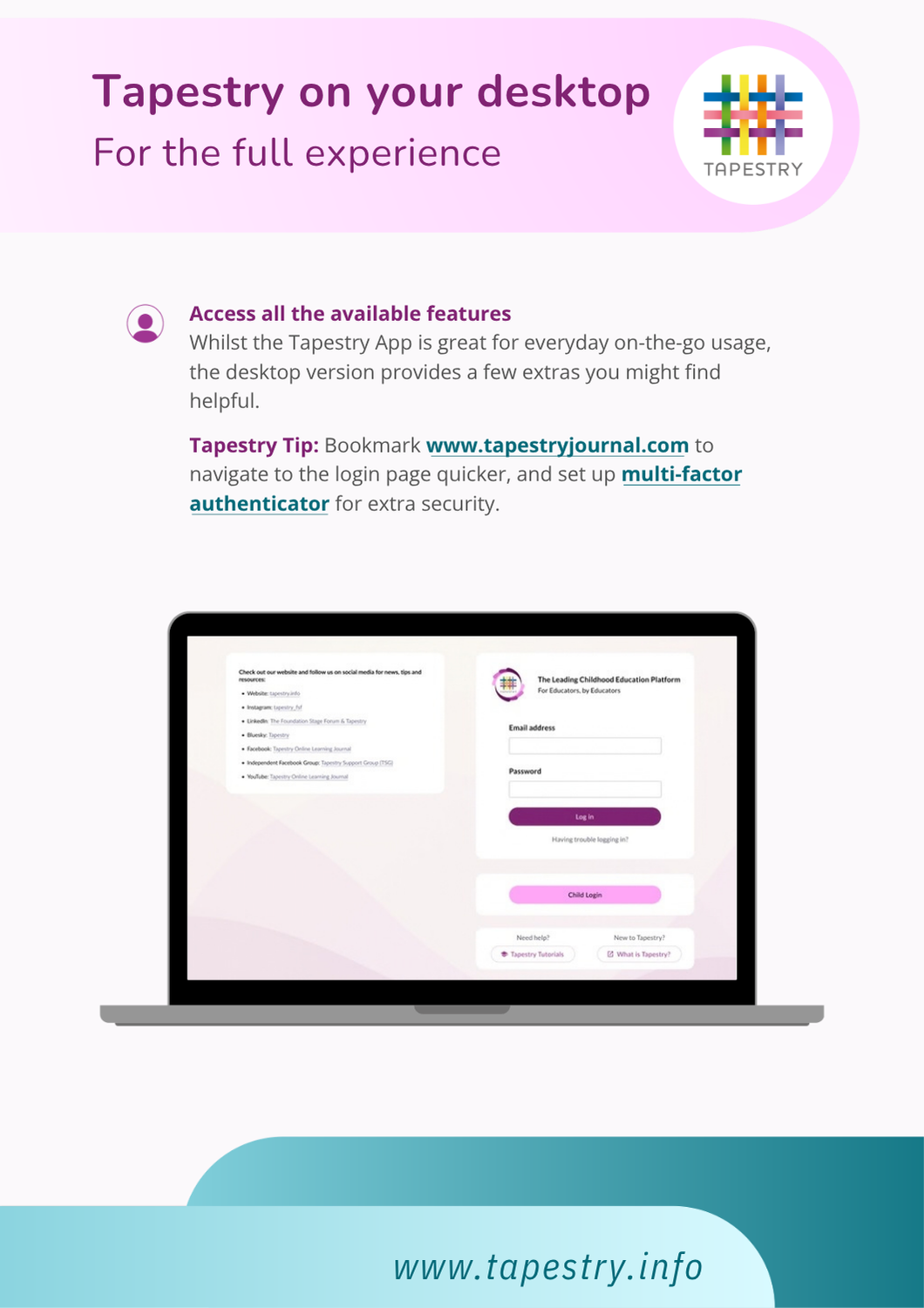
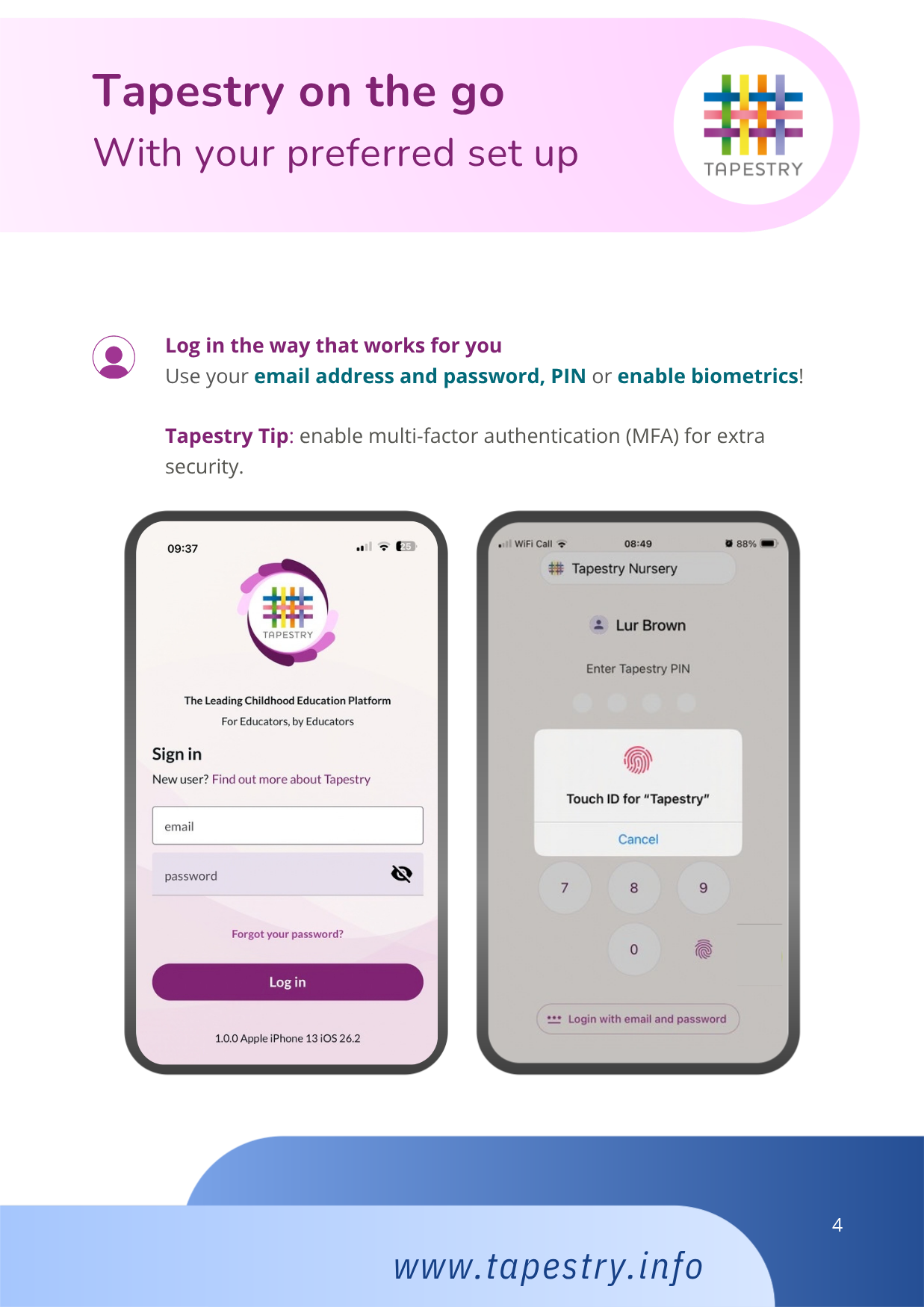
Once you have signed and returned your permission slip and consent form your account will be set up. You will be emailed, using the email addresses provided, with a link to the Tapestry log on page, your username (which is your email address) and your password. We strongly recommend that you change your password on your first visit.
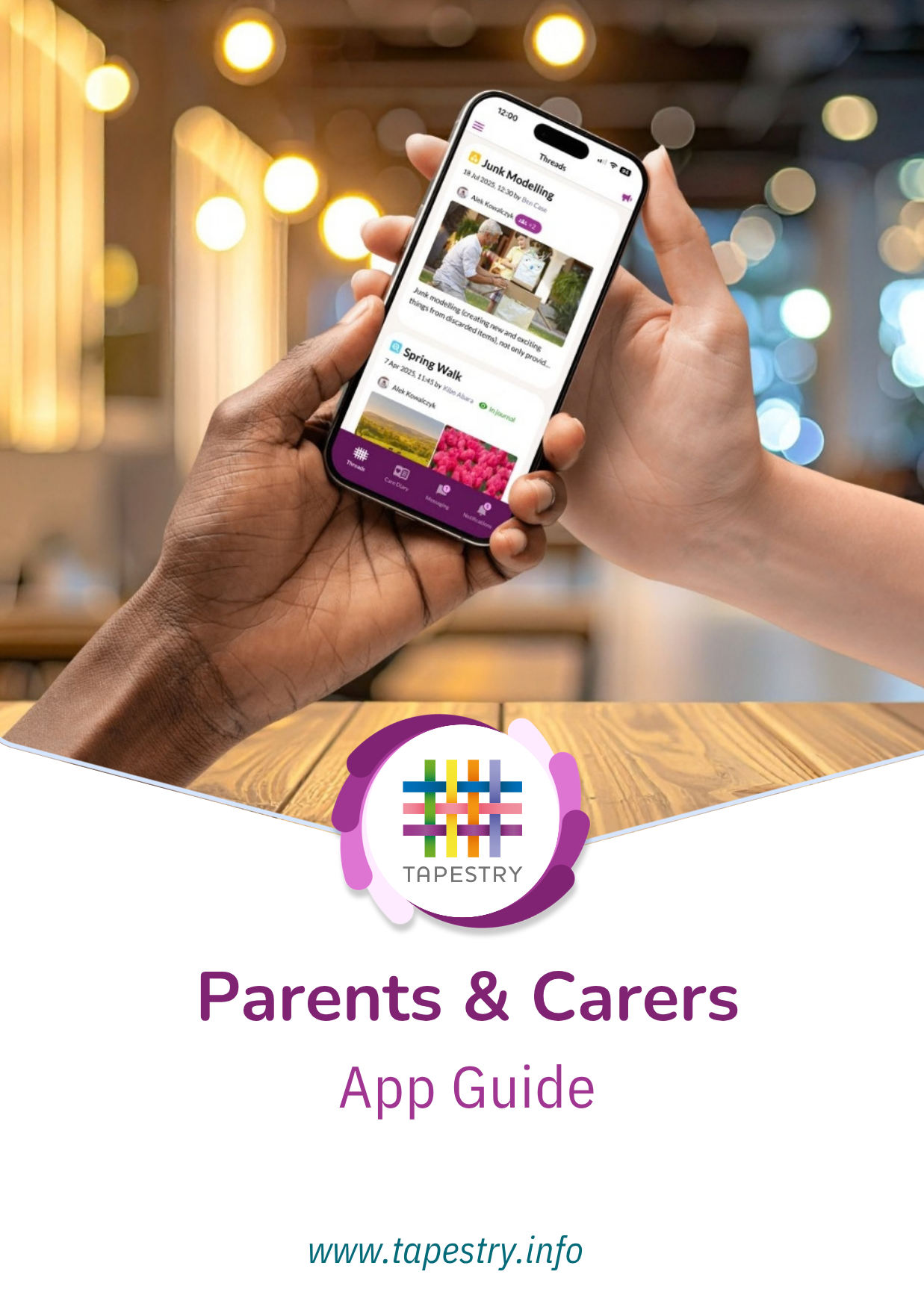
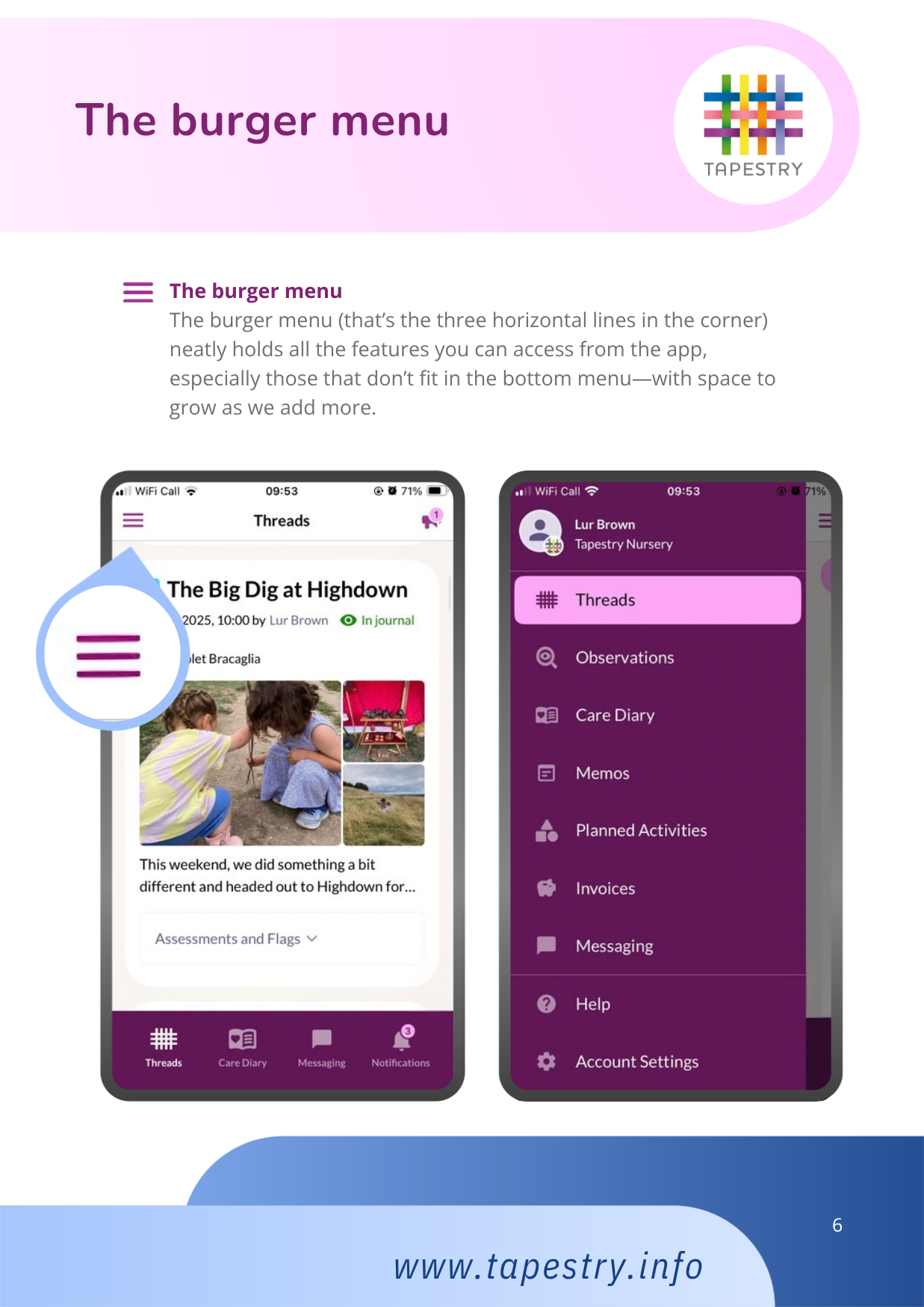
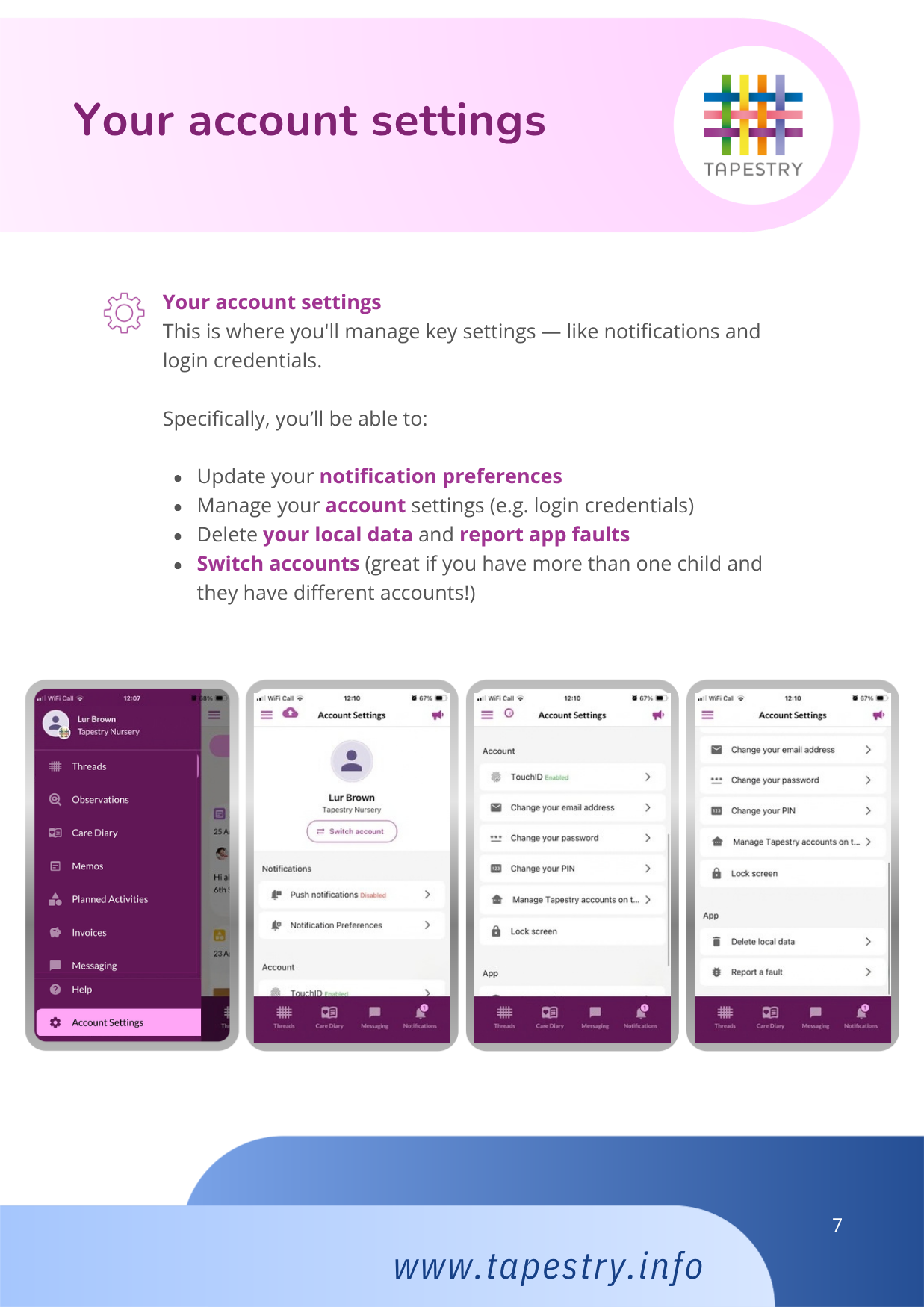
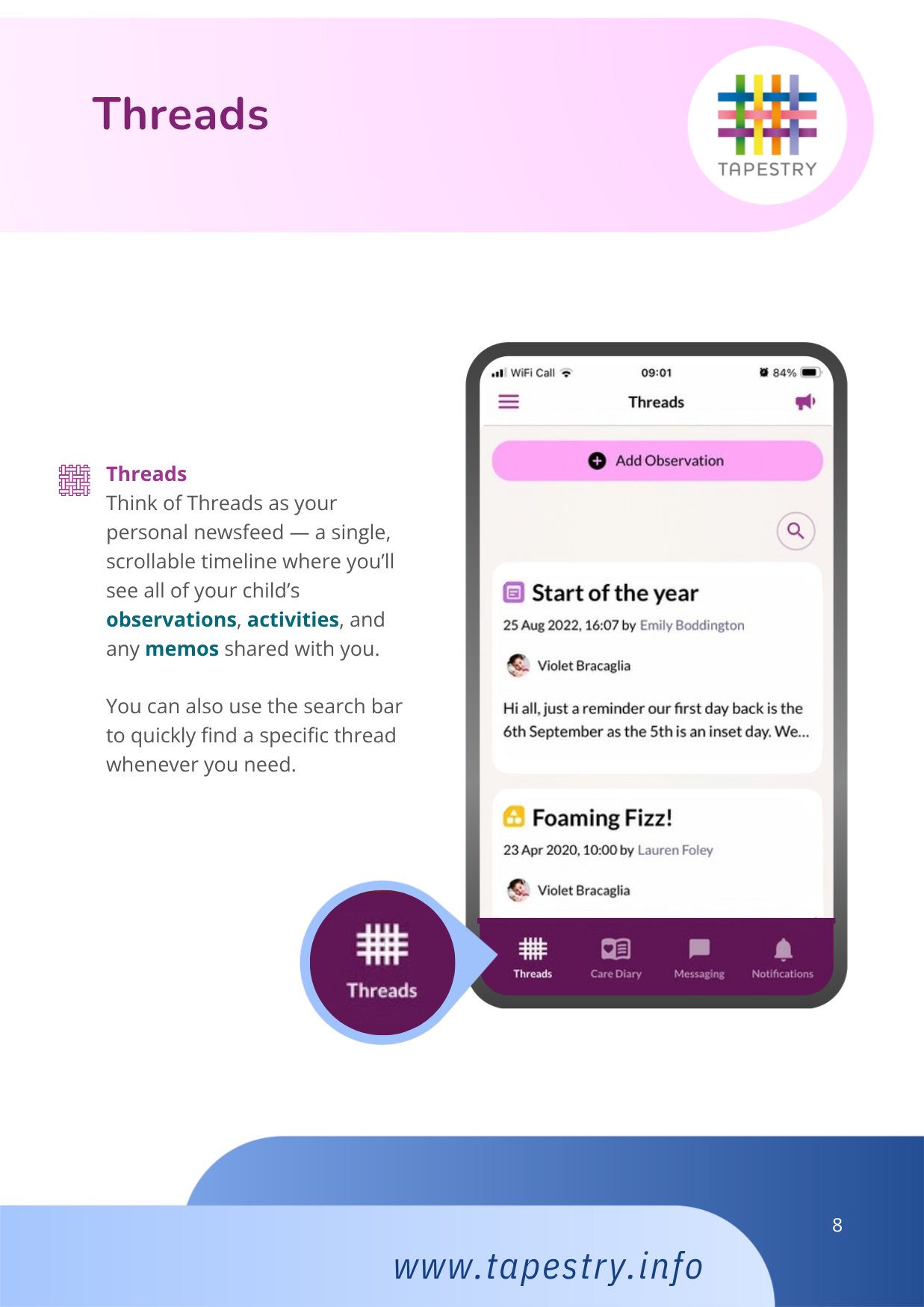
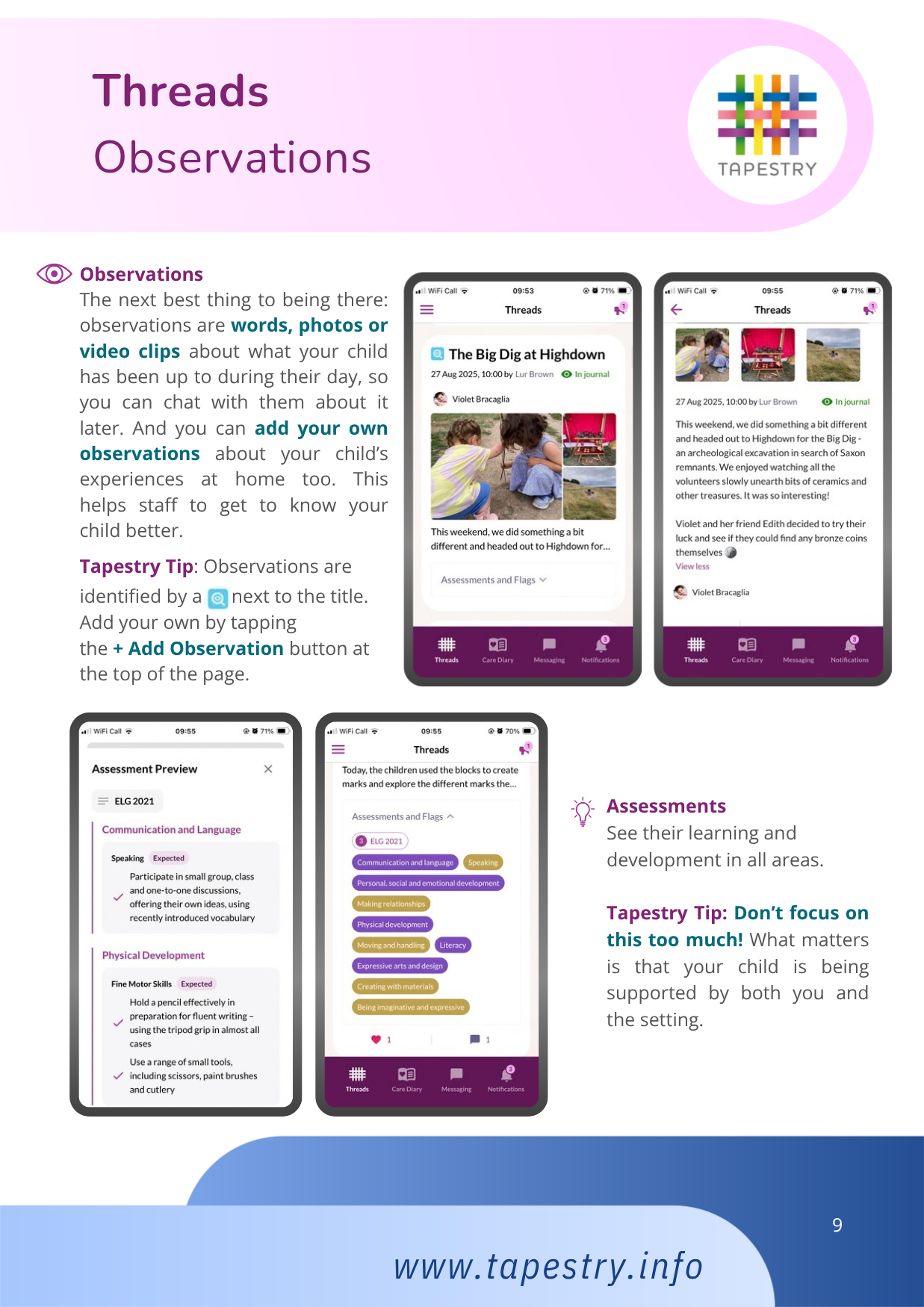
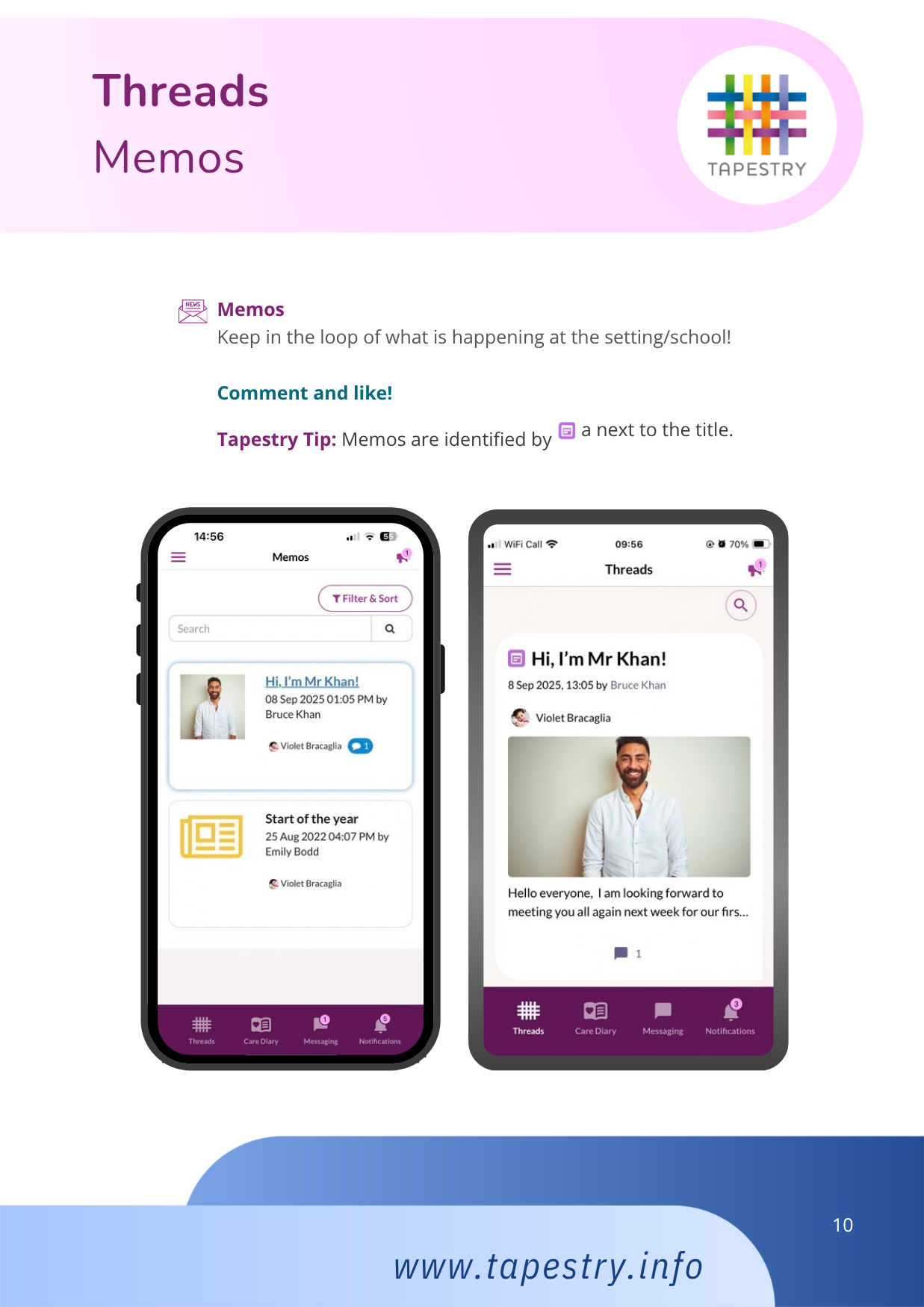
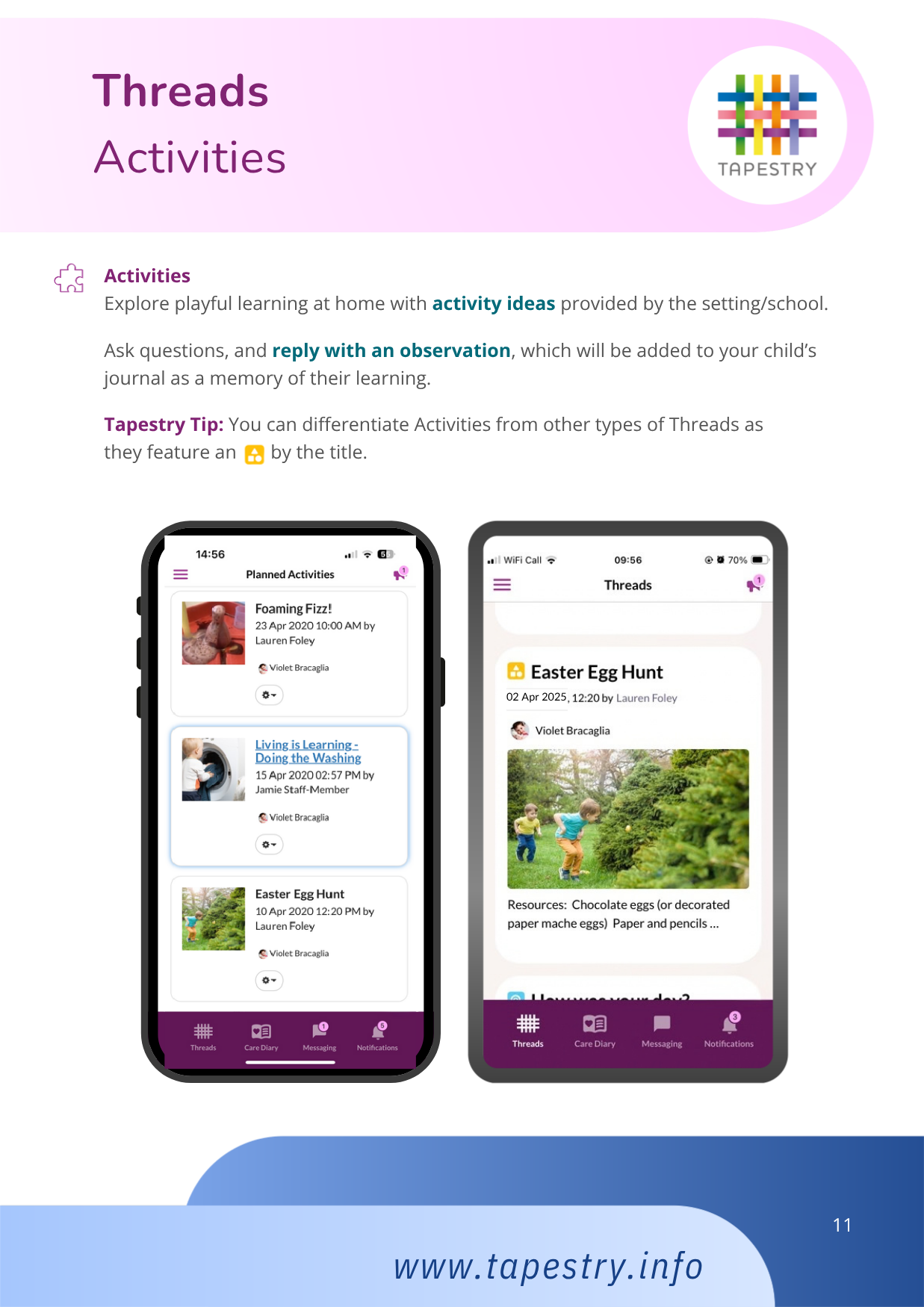
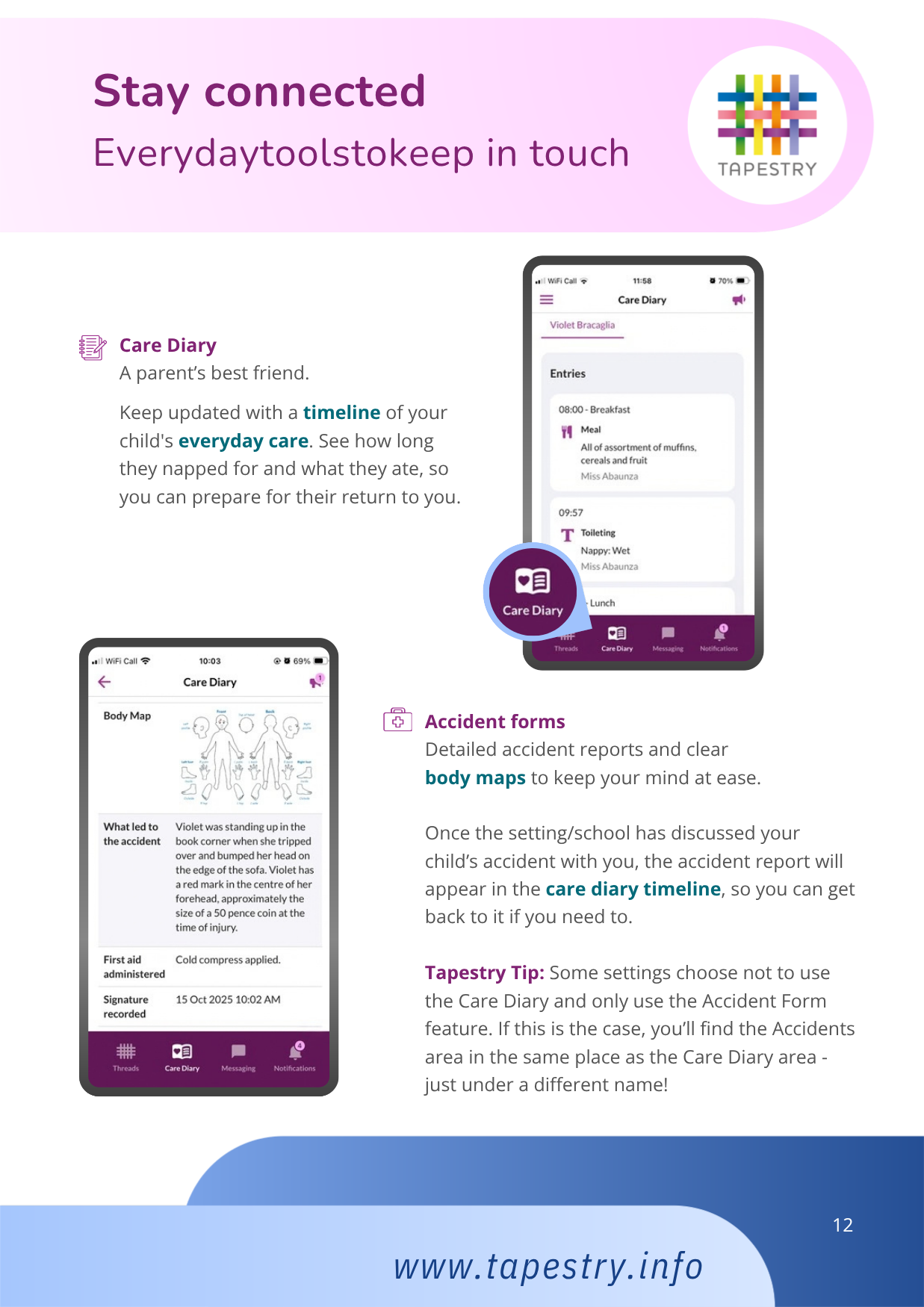
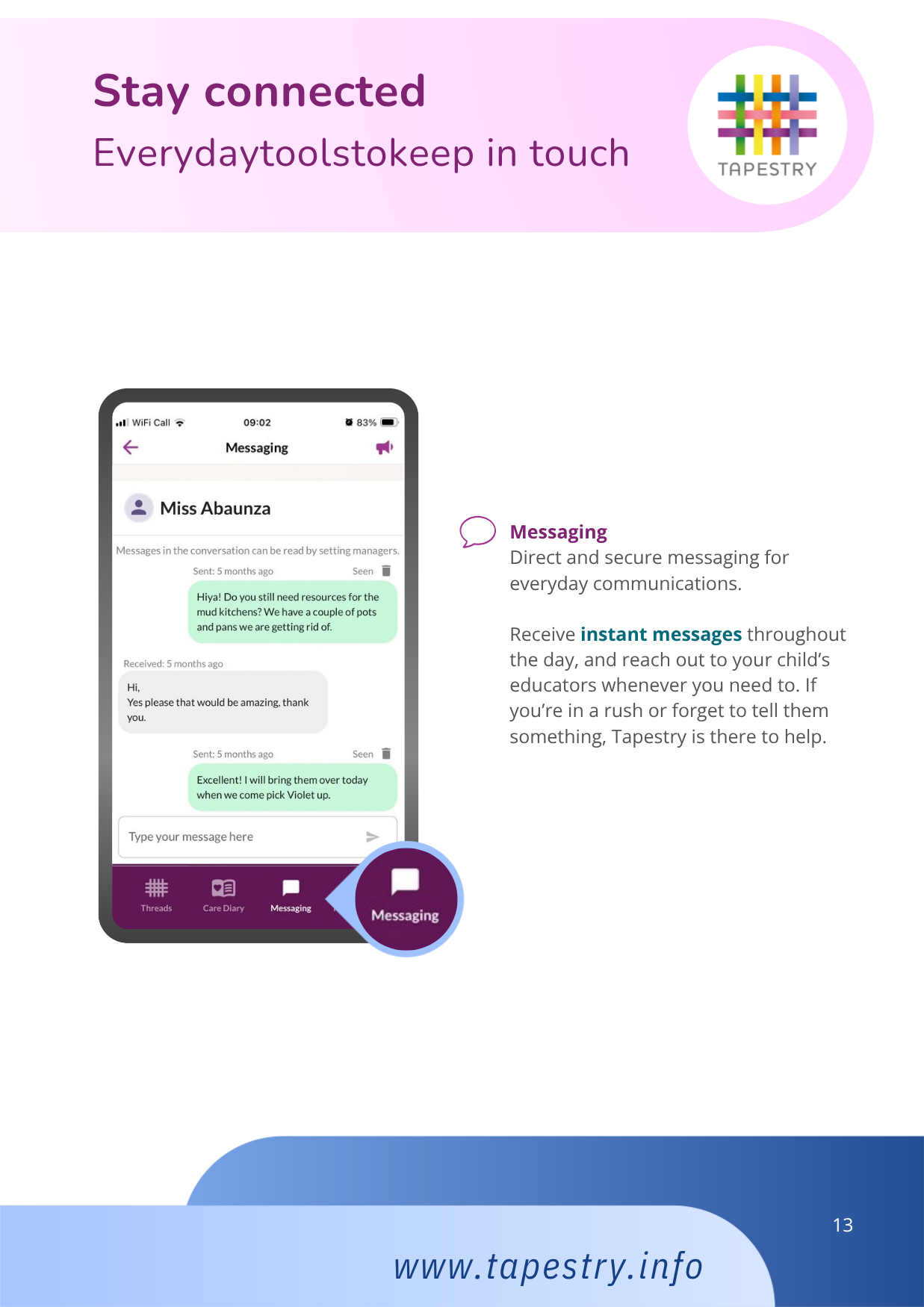
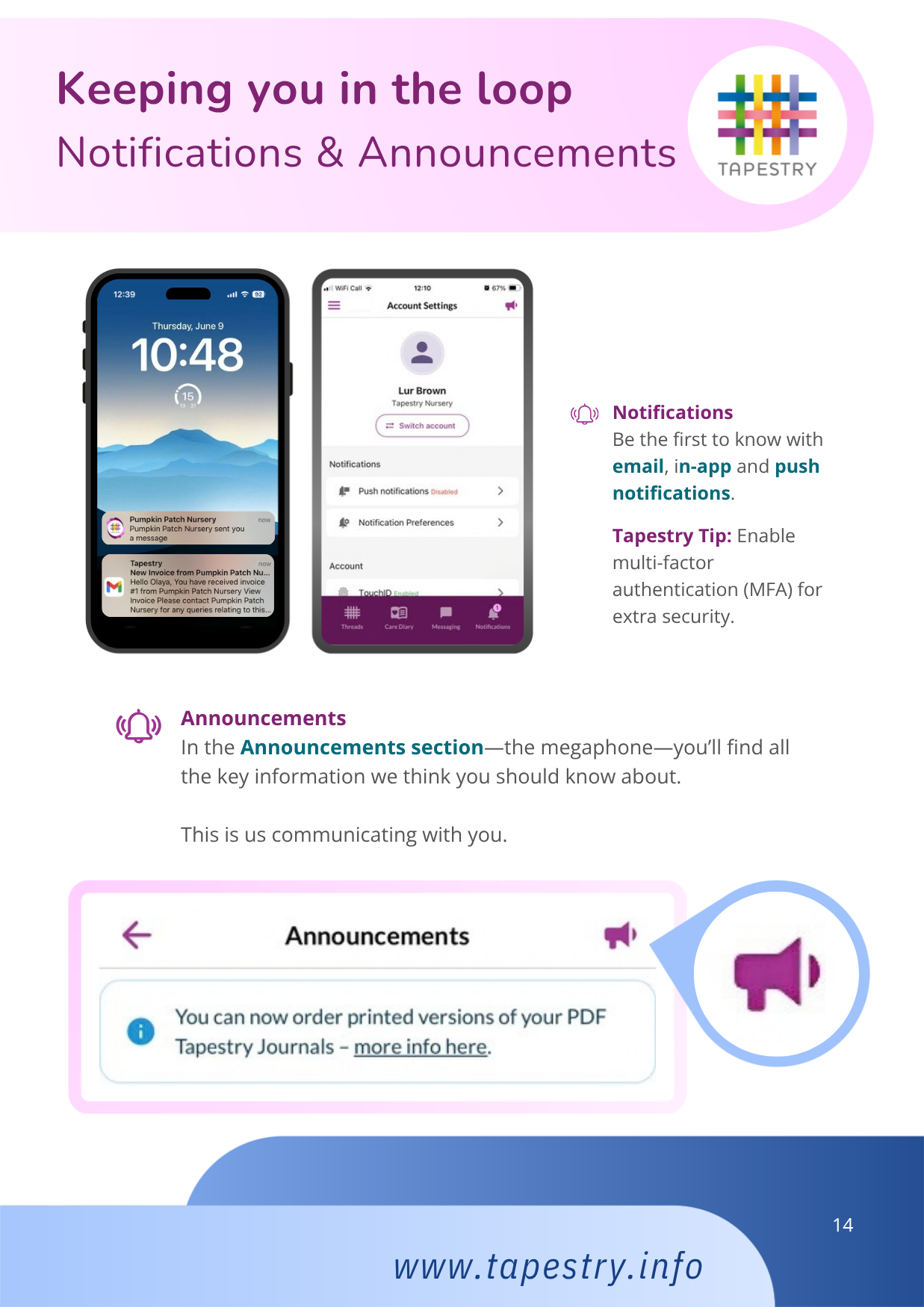
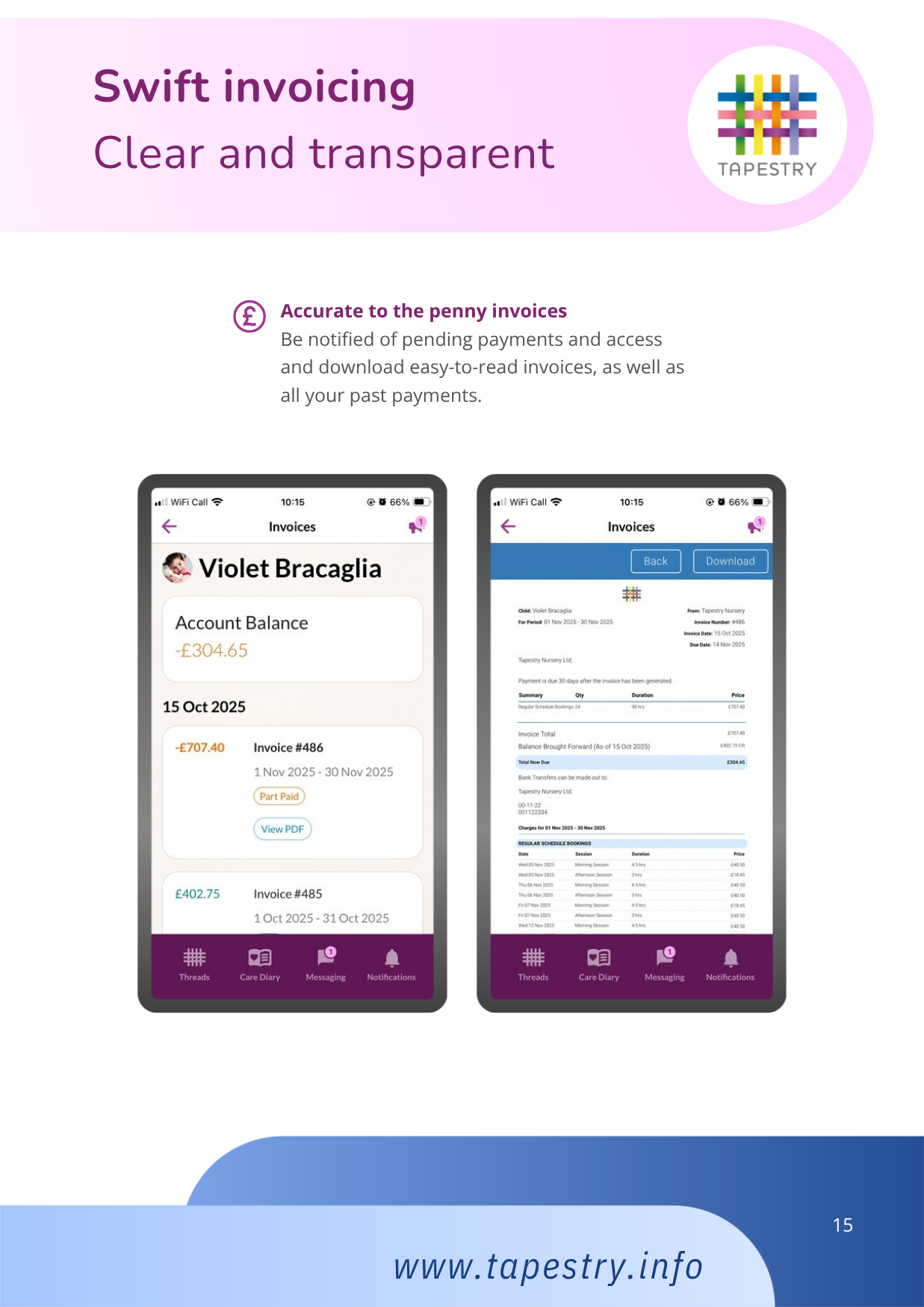
The Tapestry app is free of charge and available from iTunes and Google Play for both iPhone and android phones. Specific user guides are available and can be emailed to you in PDF format or as a hard copy upon request.
As a parent/carer you can choose who also has access to your child’s learning journey at any time. If you would like to add additional email addresses for both parents, grandparents etc, please complete the additional email section on the attached permissions slip. They will then be set up with an account and emailed an activation link.
-
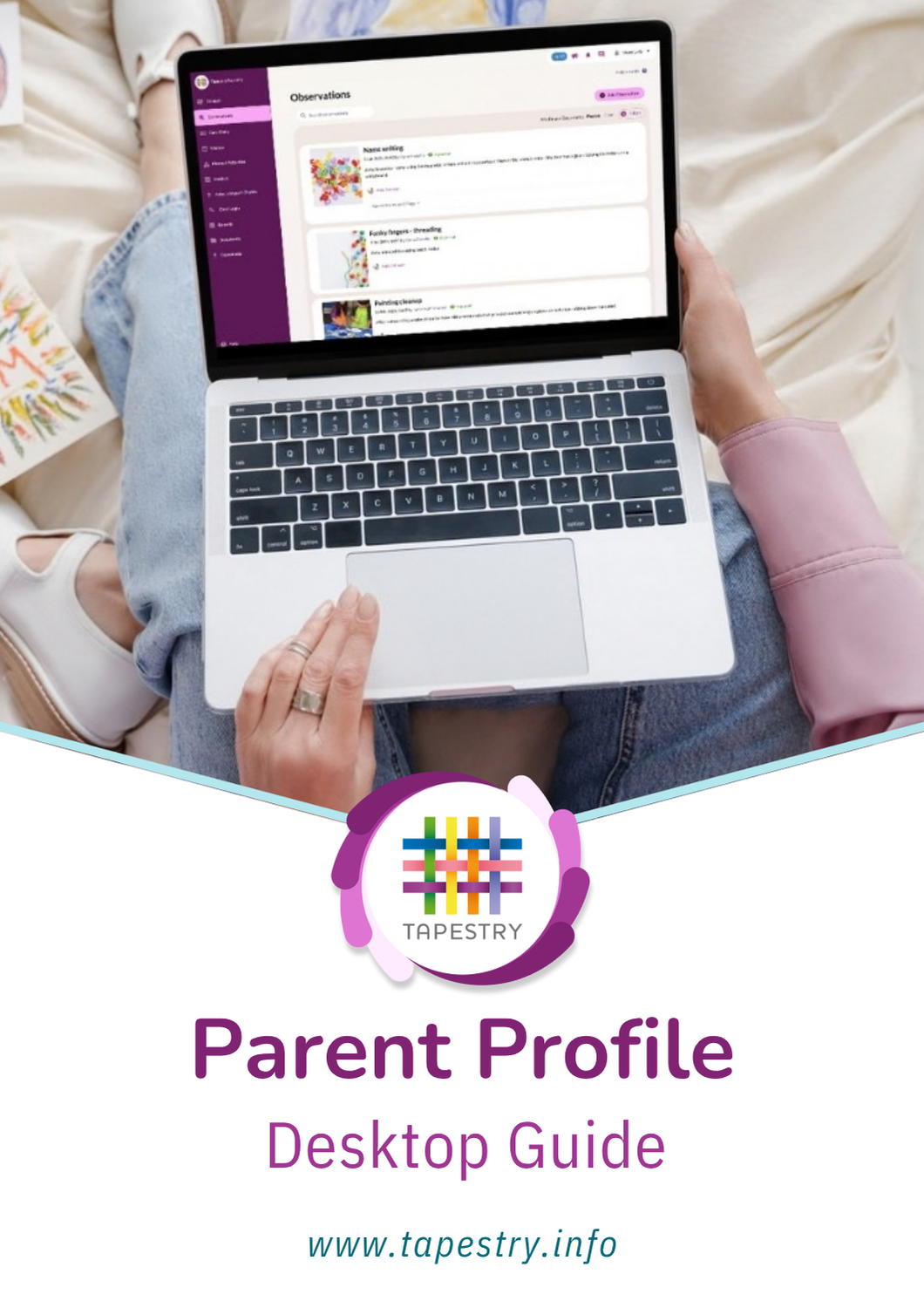
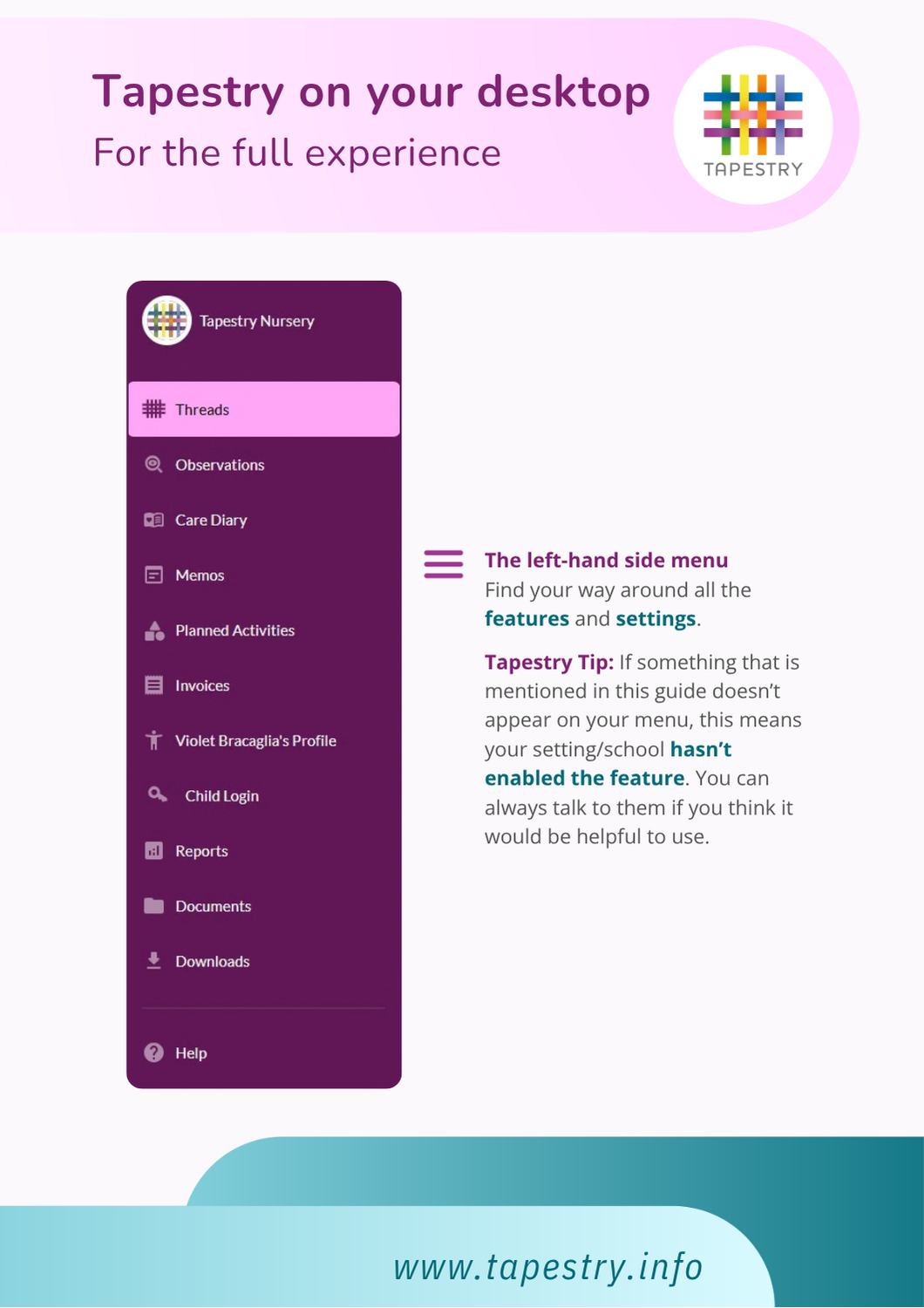
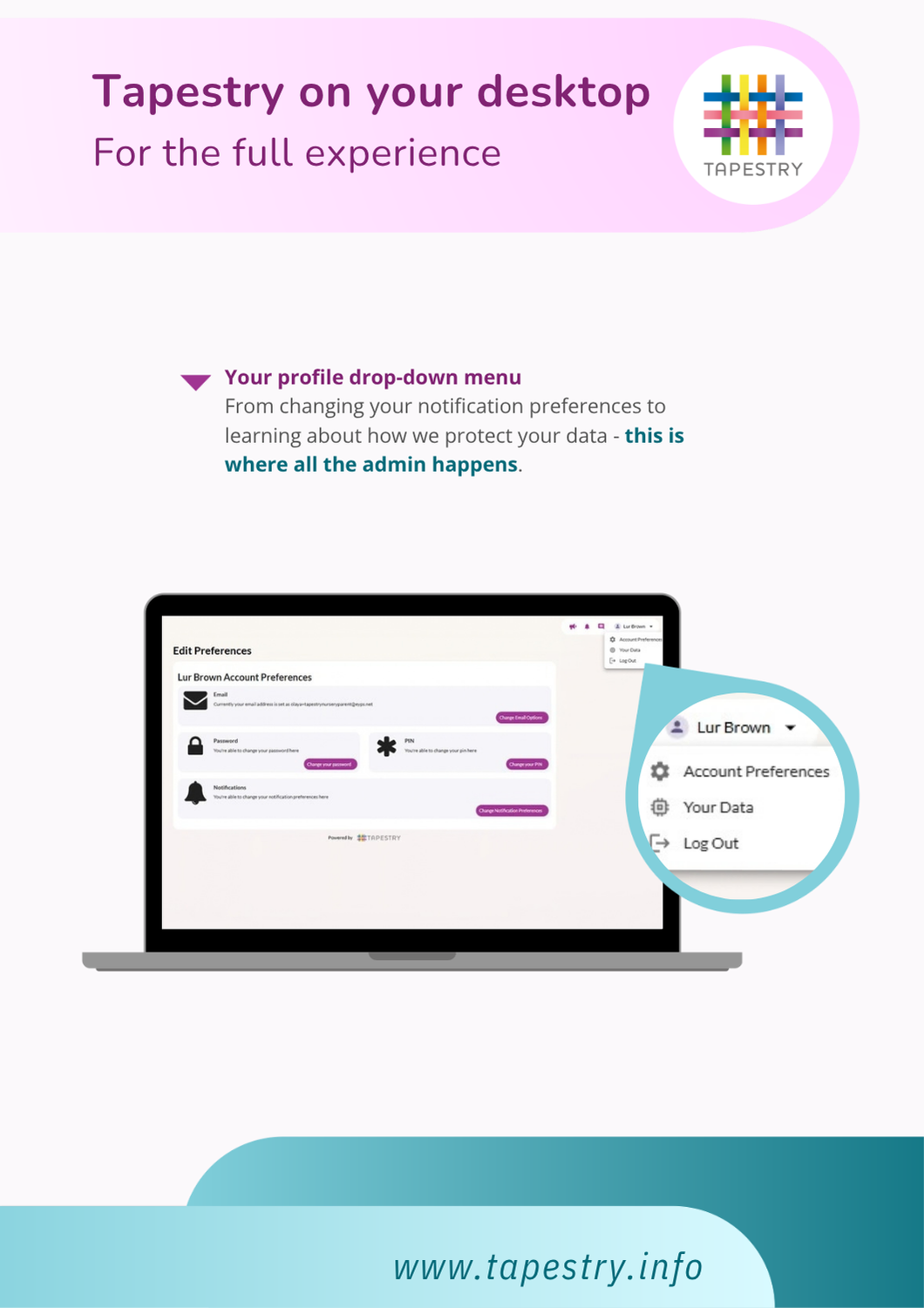
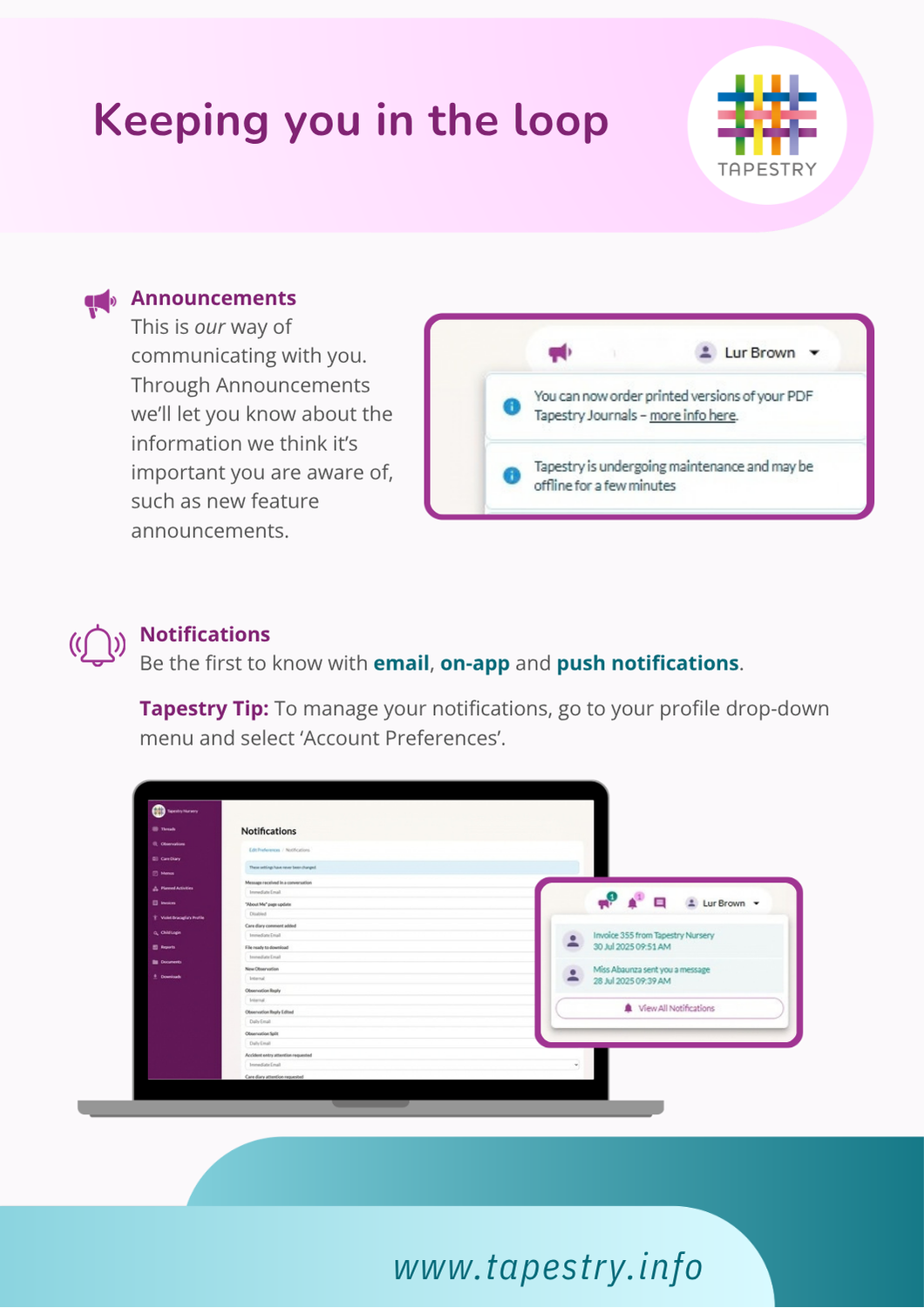
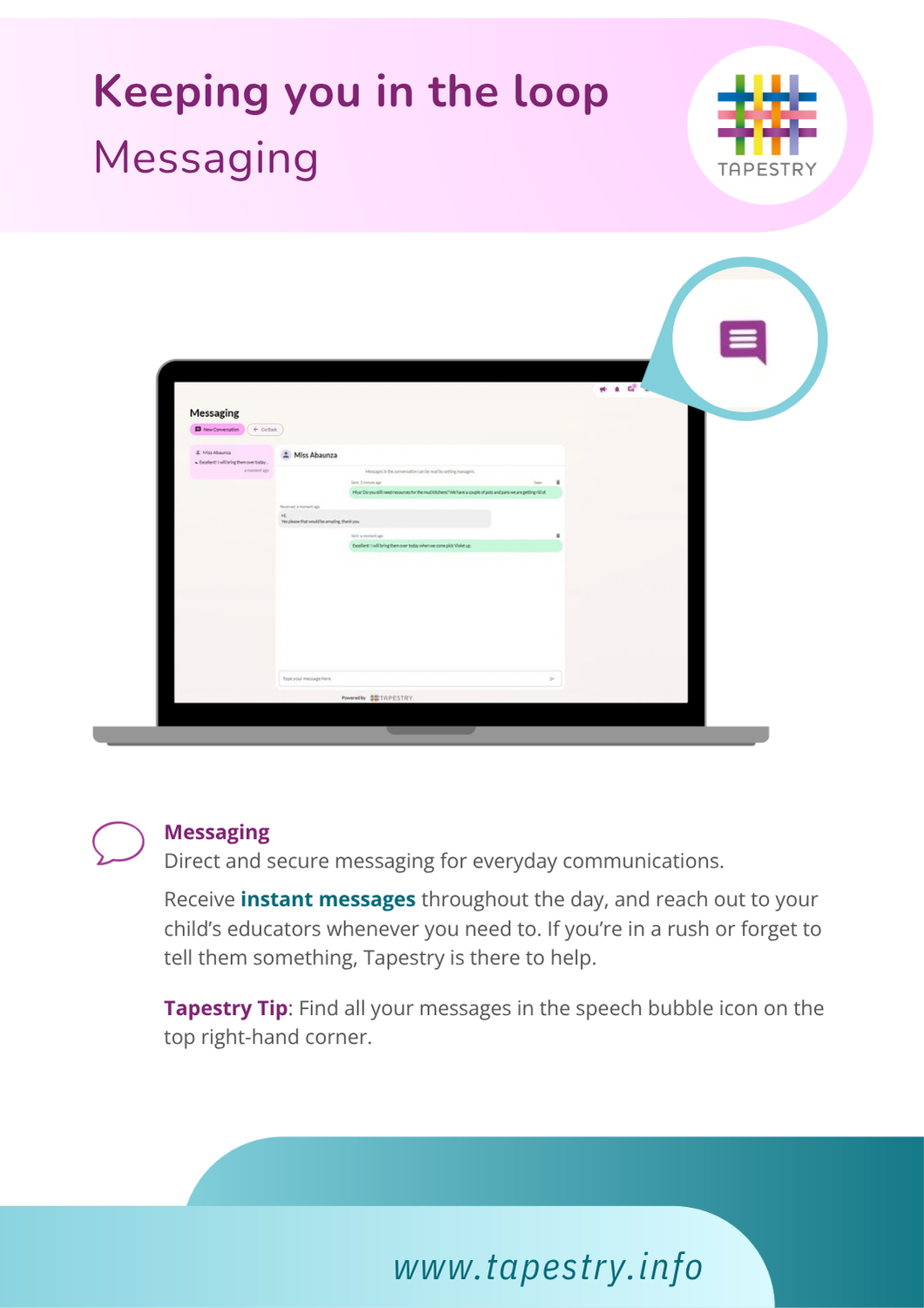
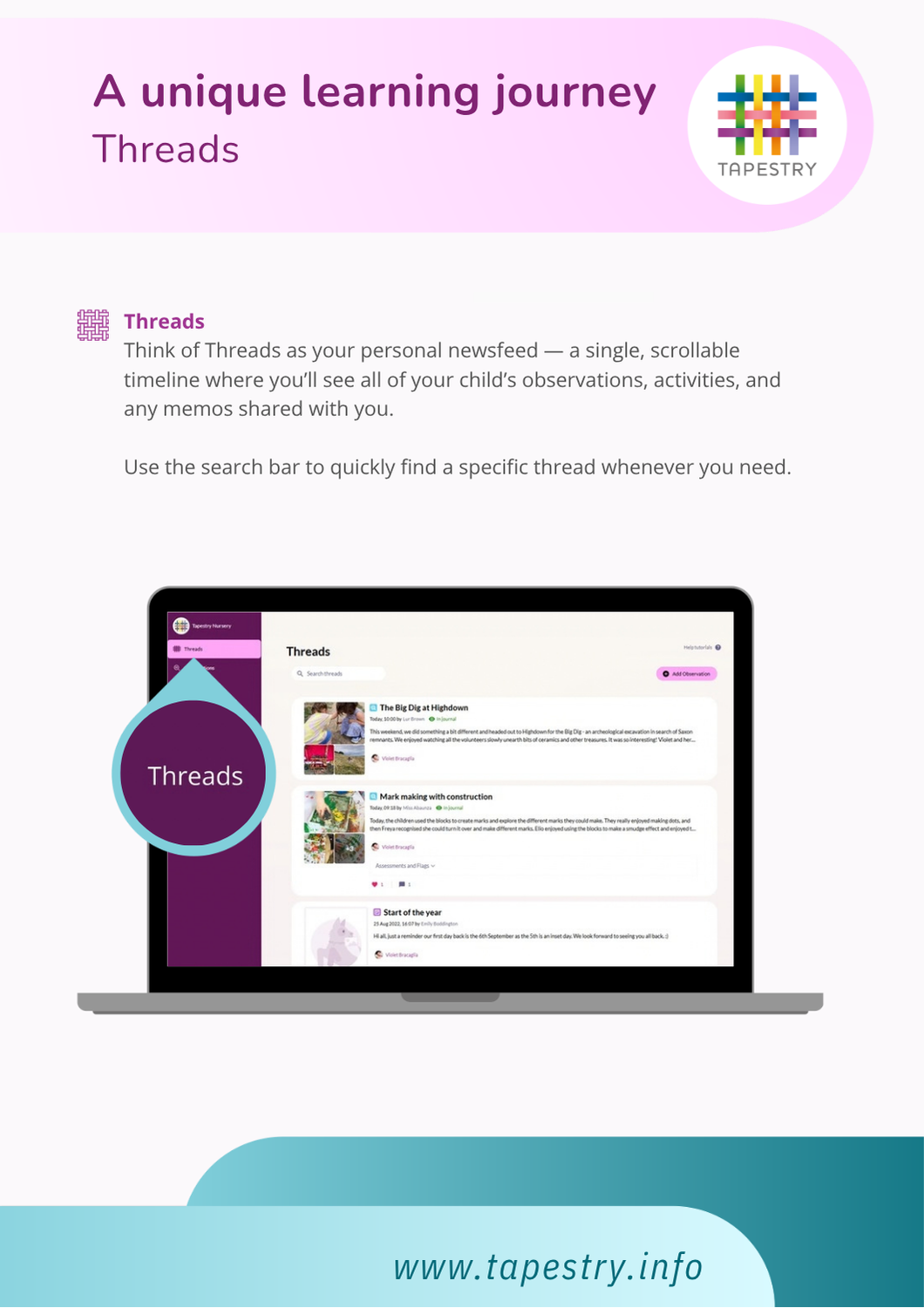
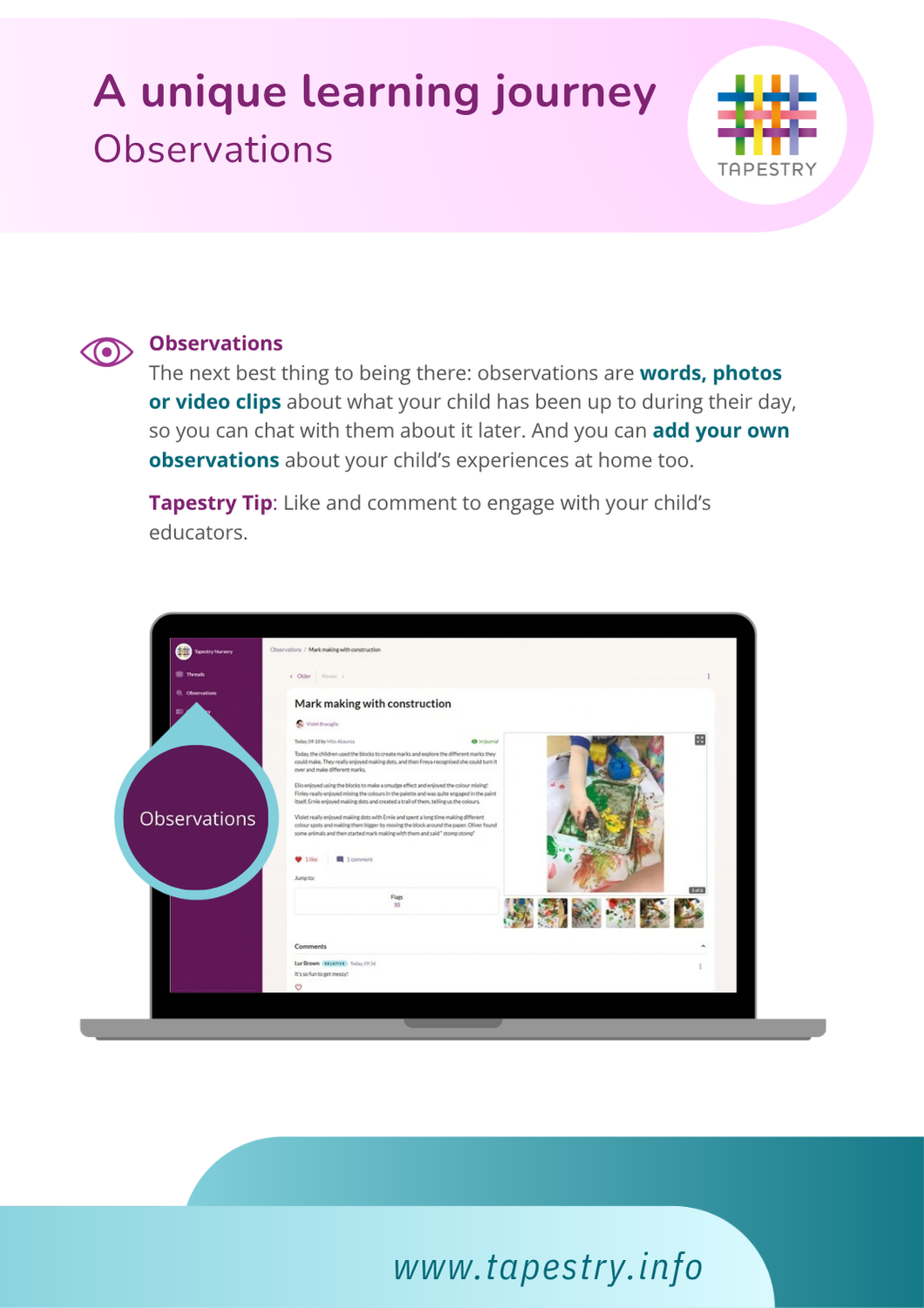
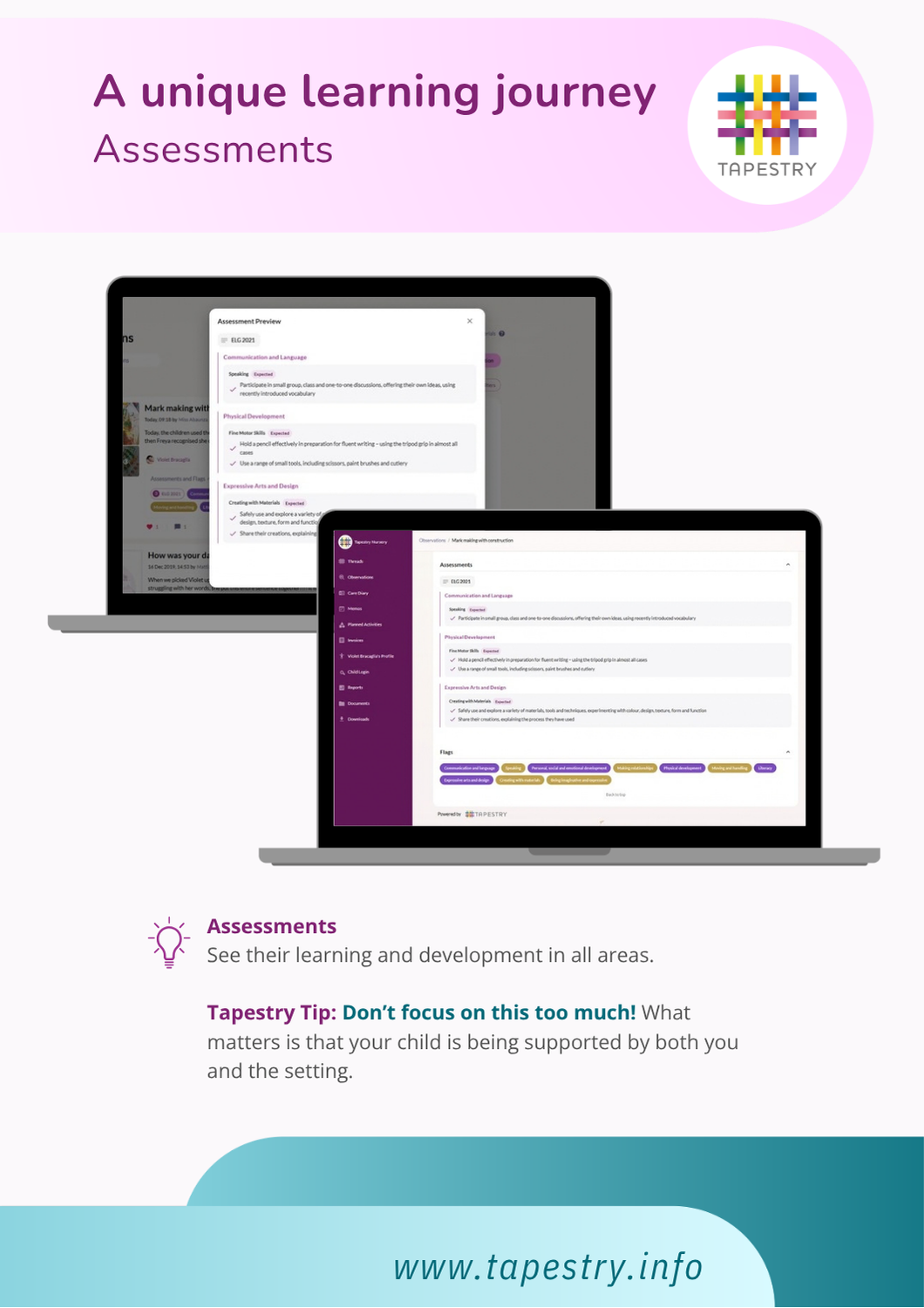
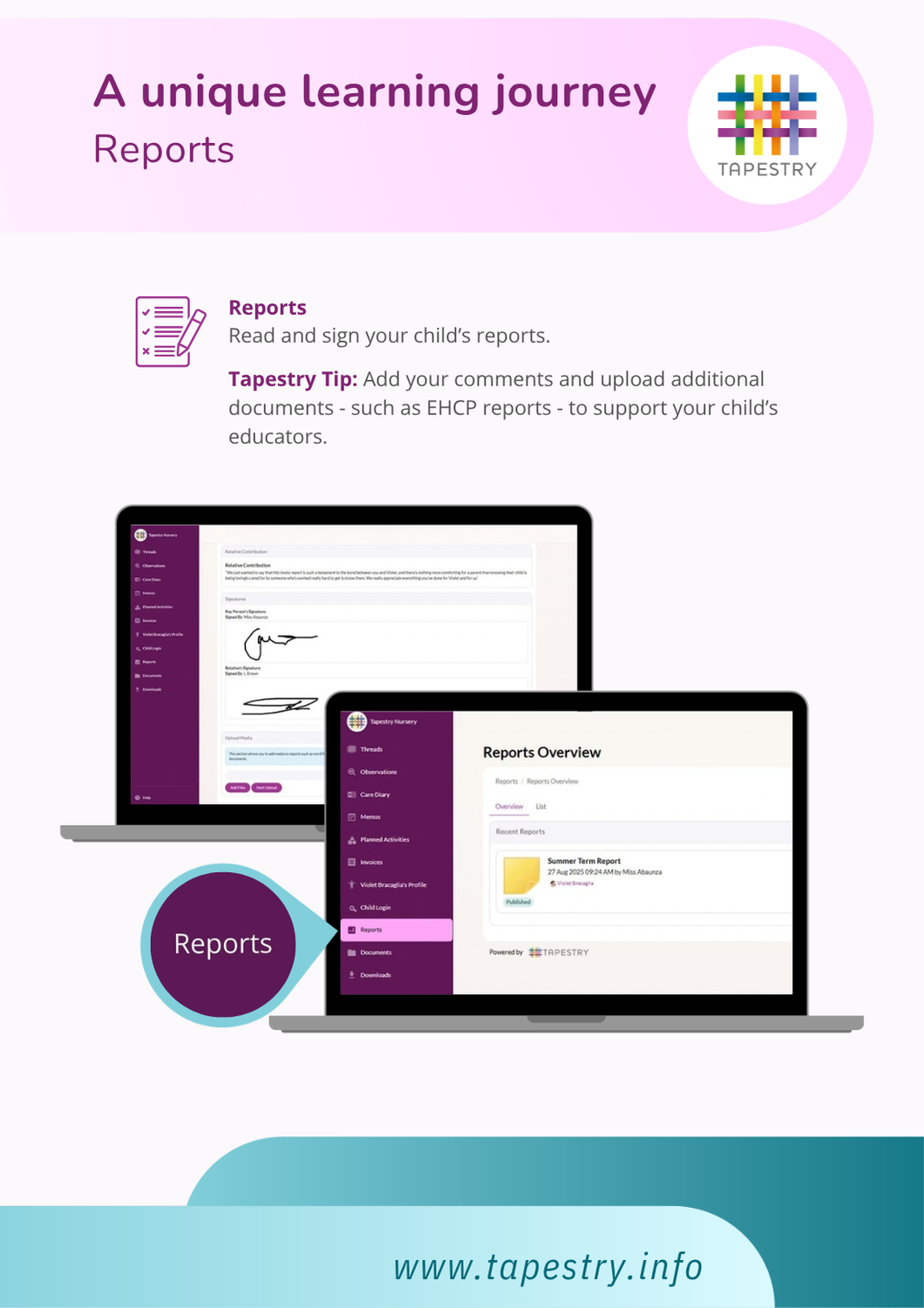
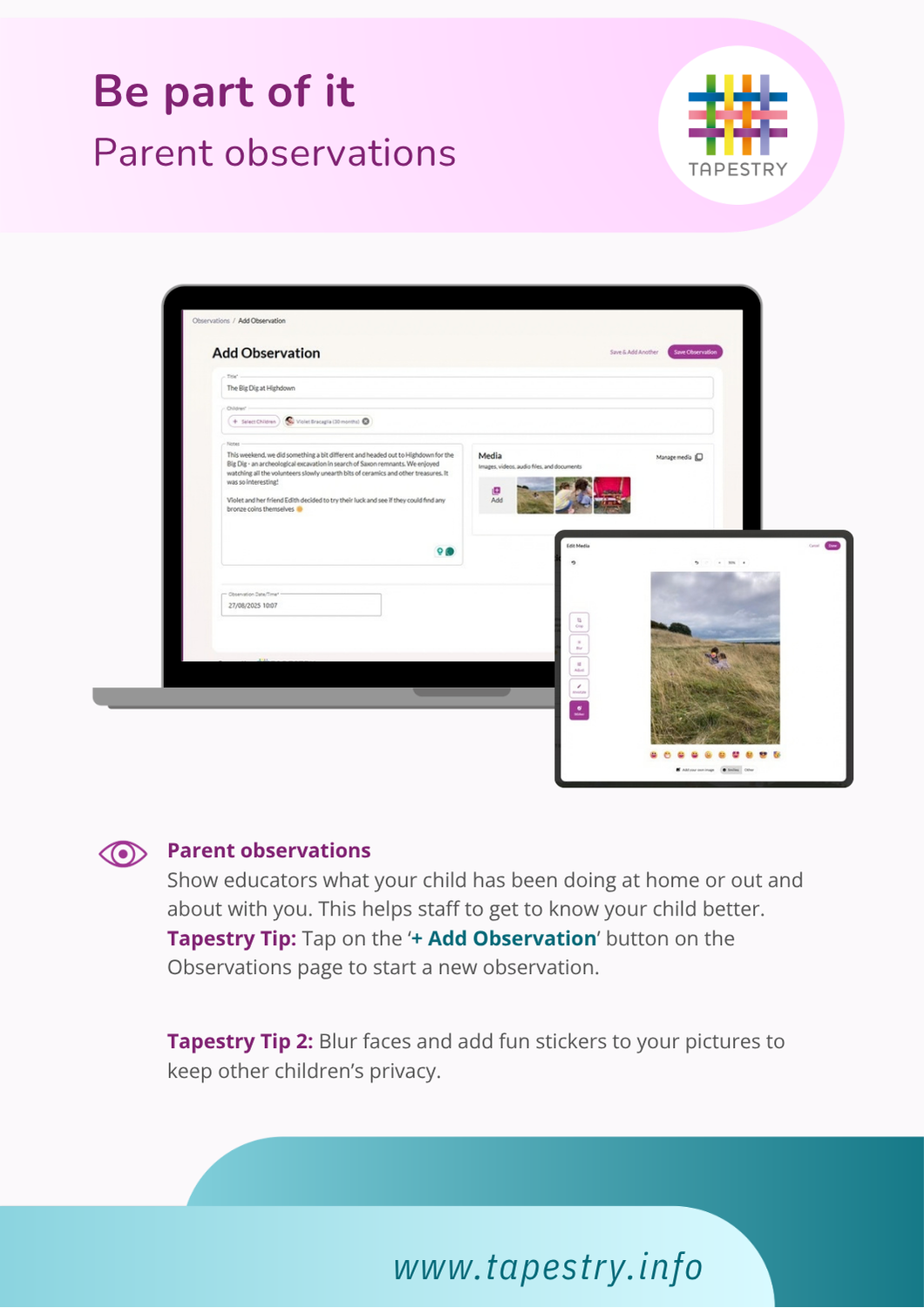
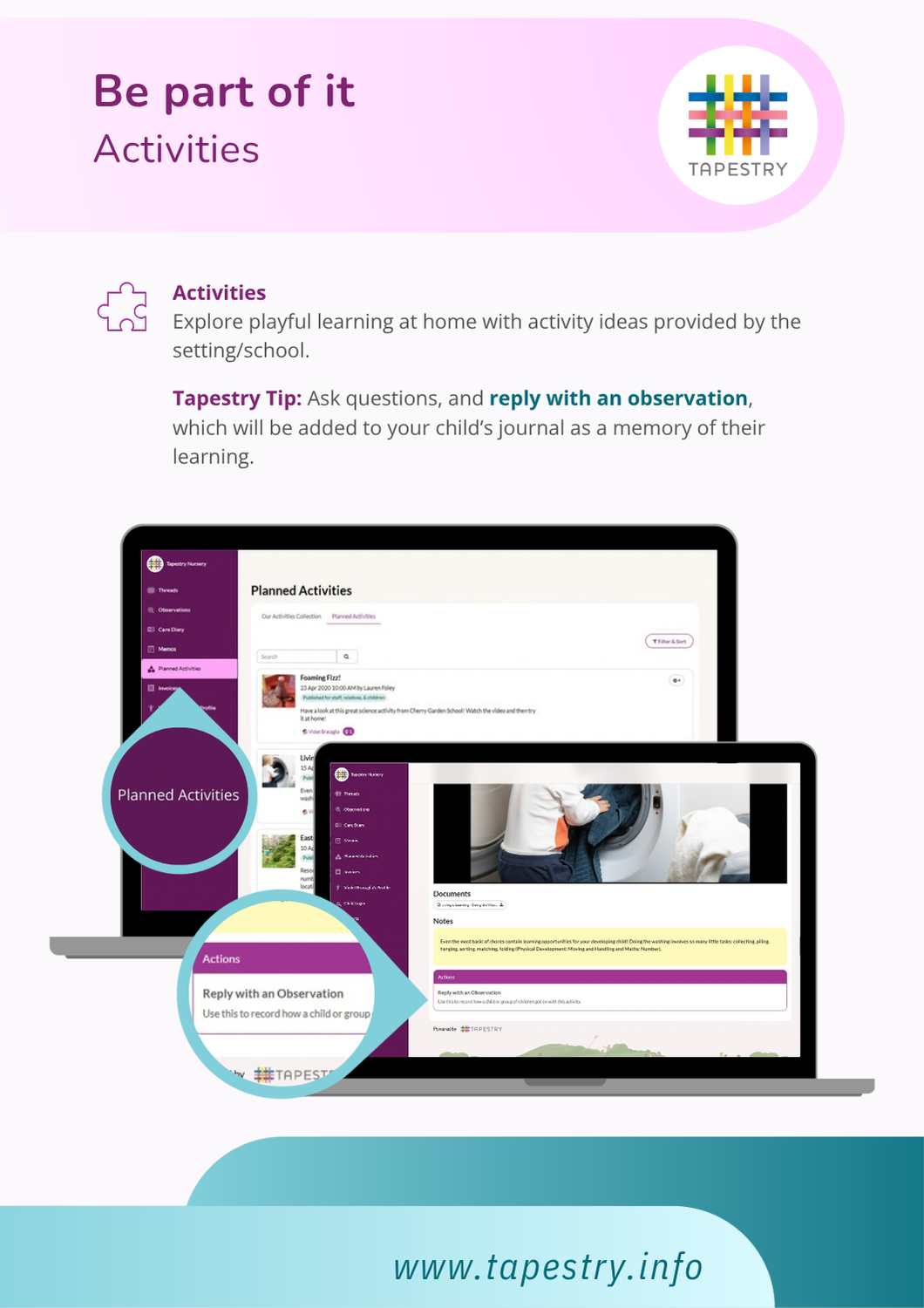
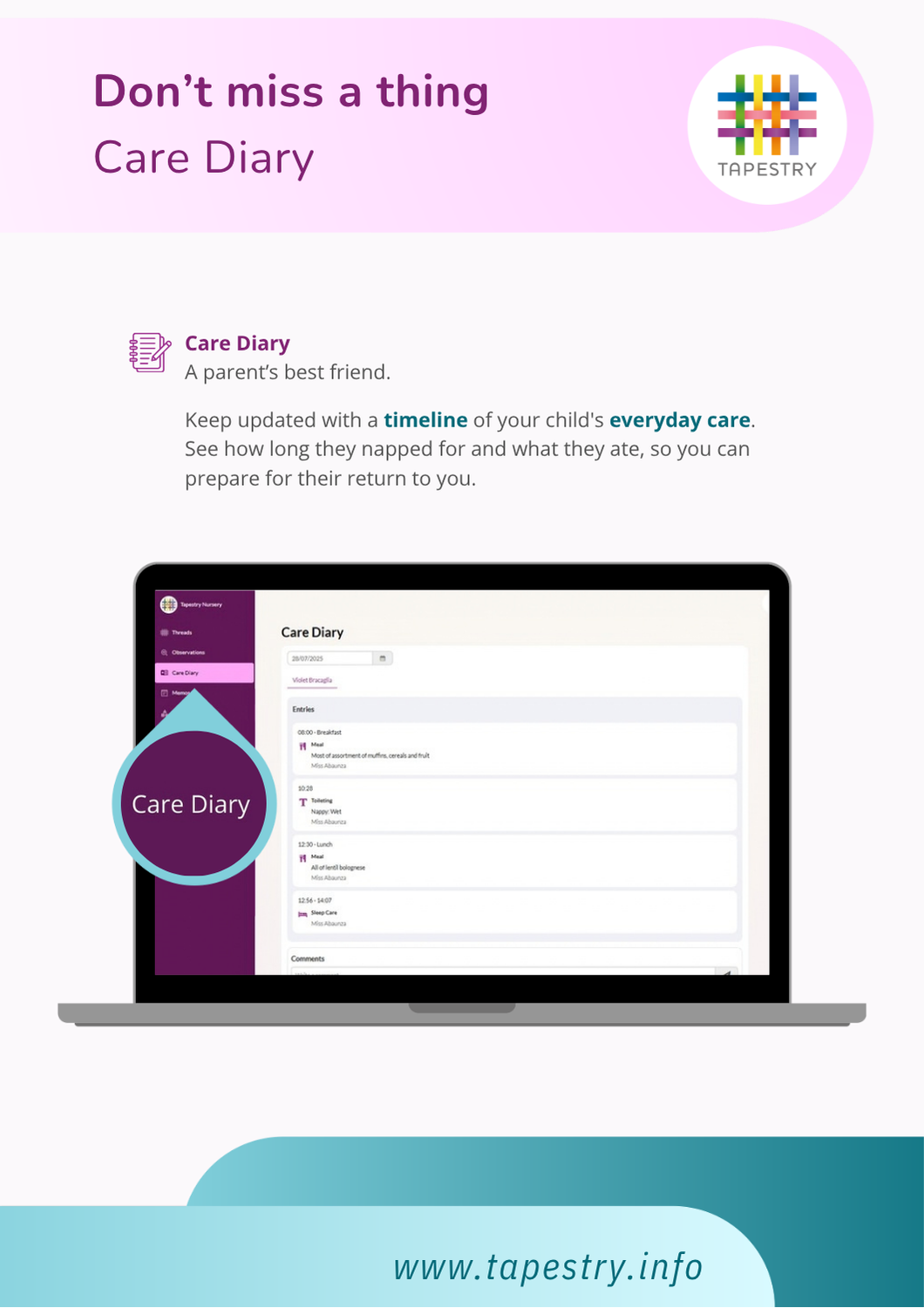
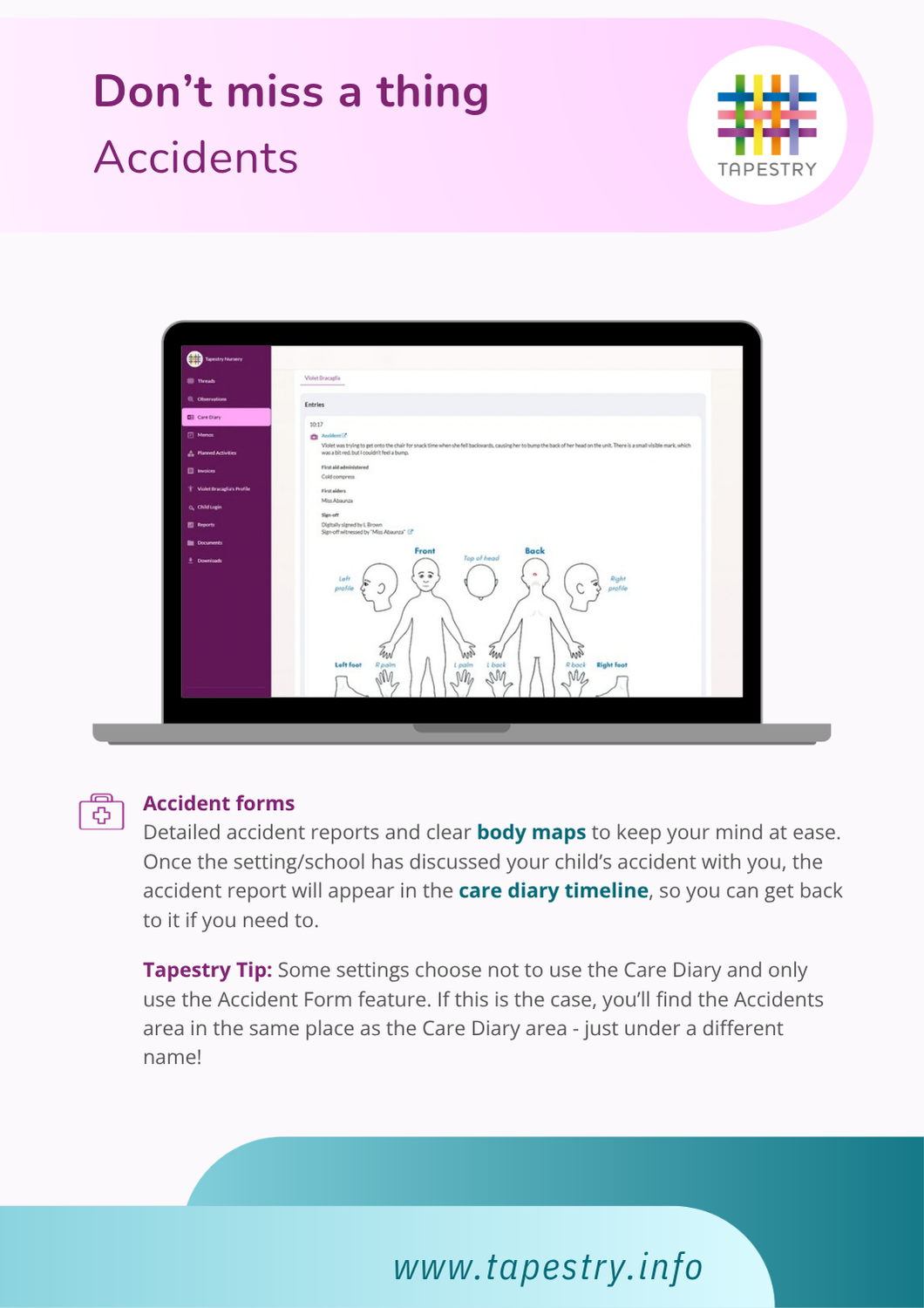
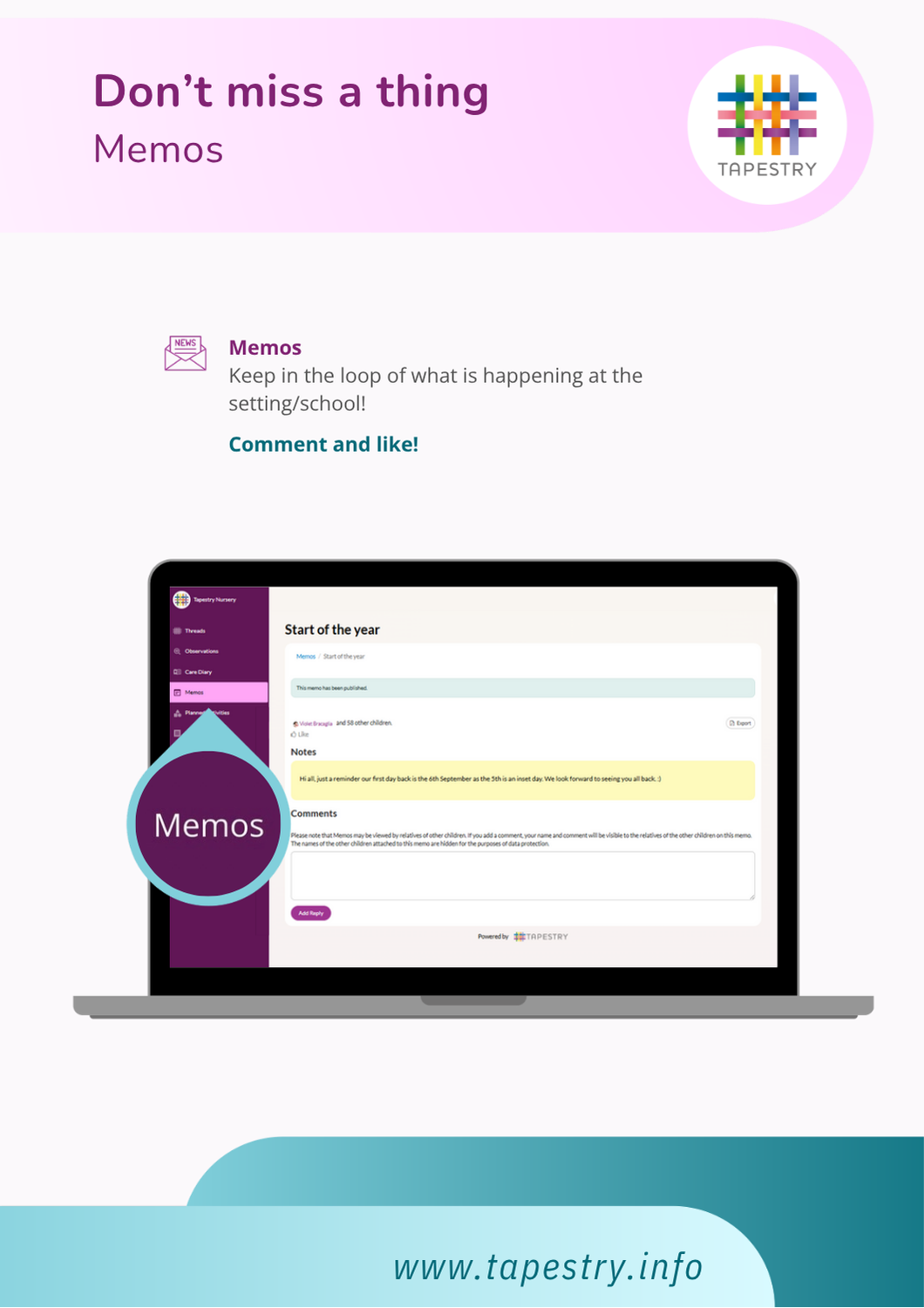
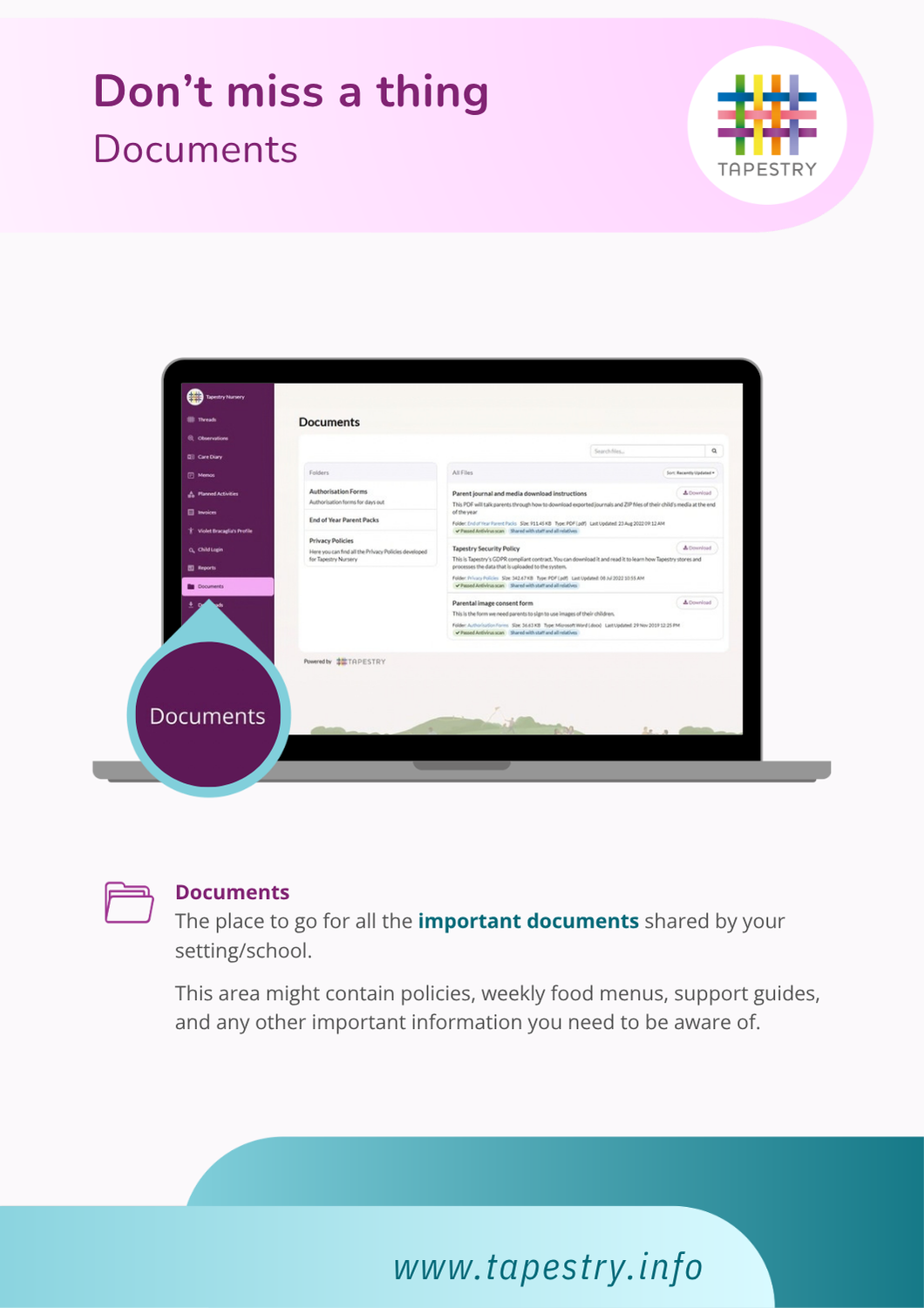
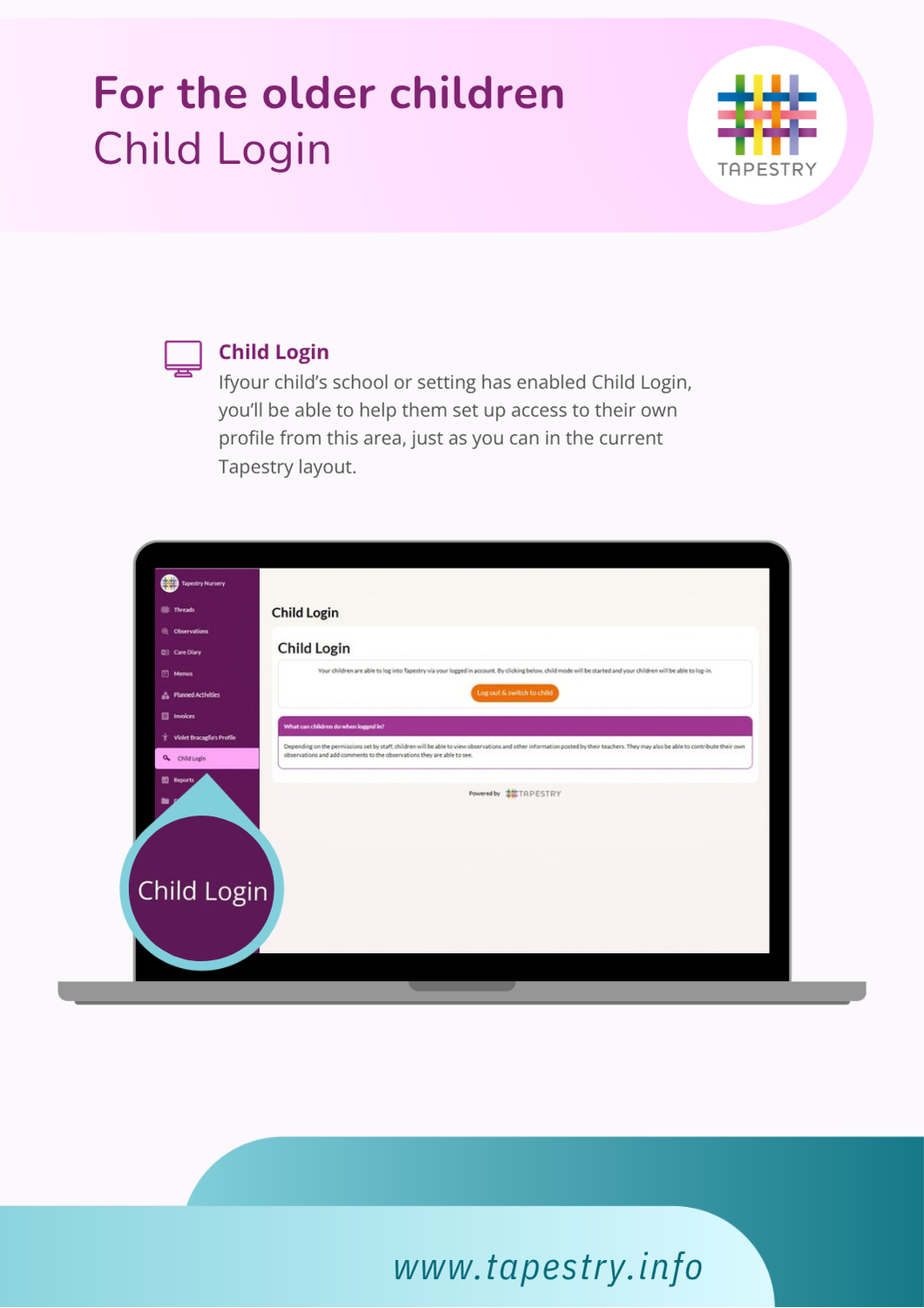
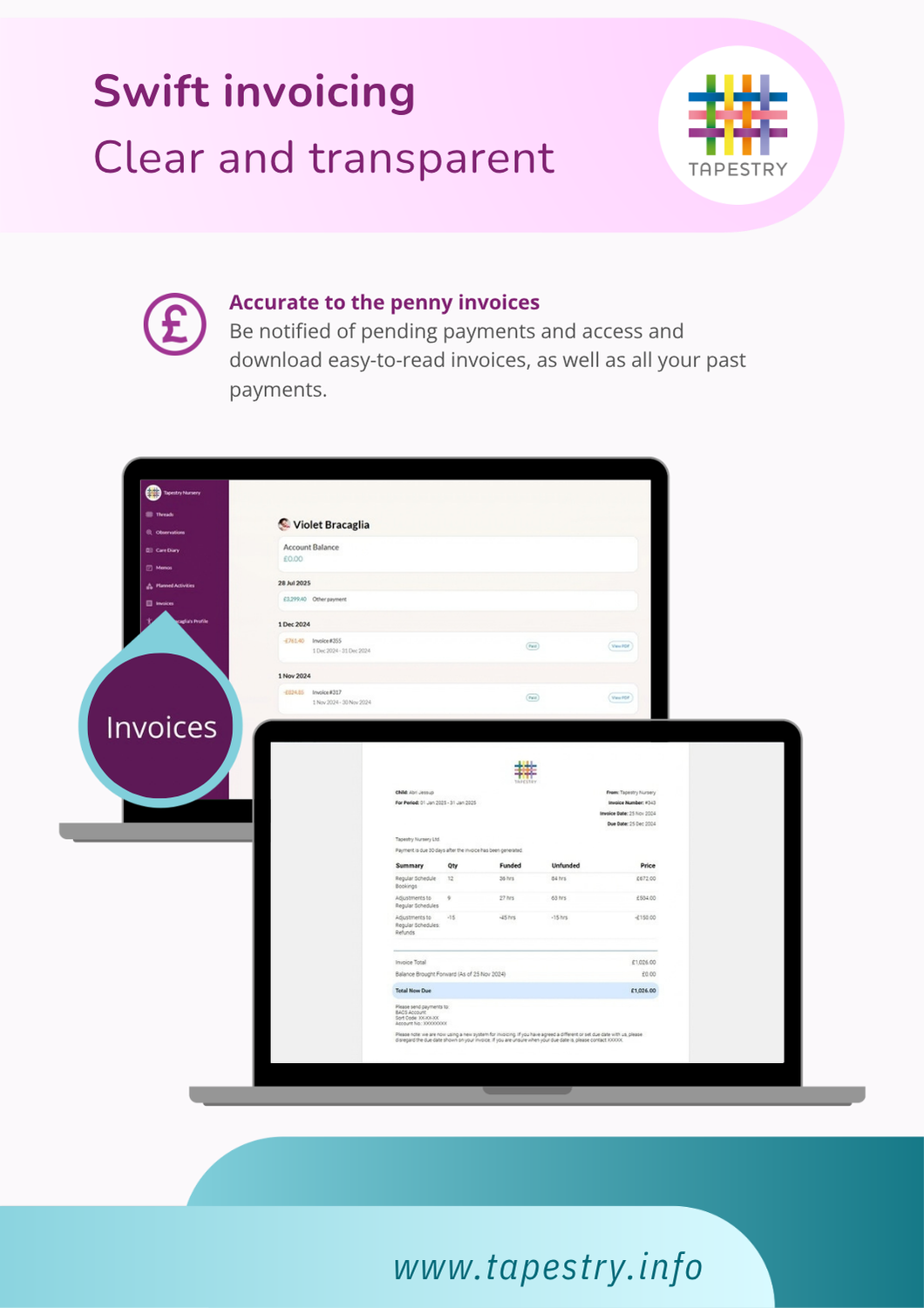
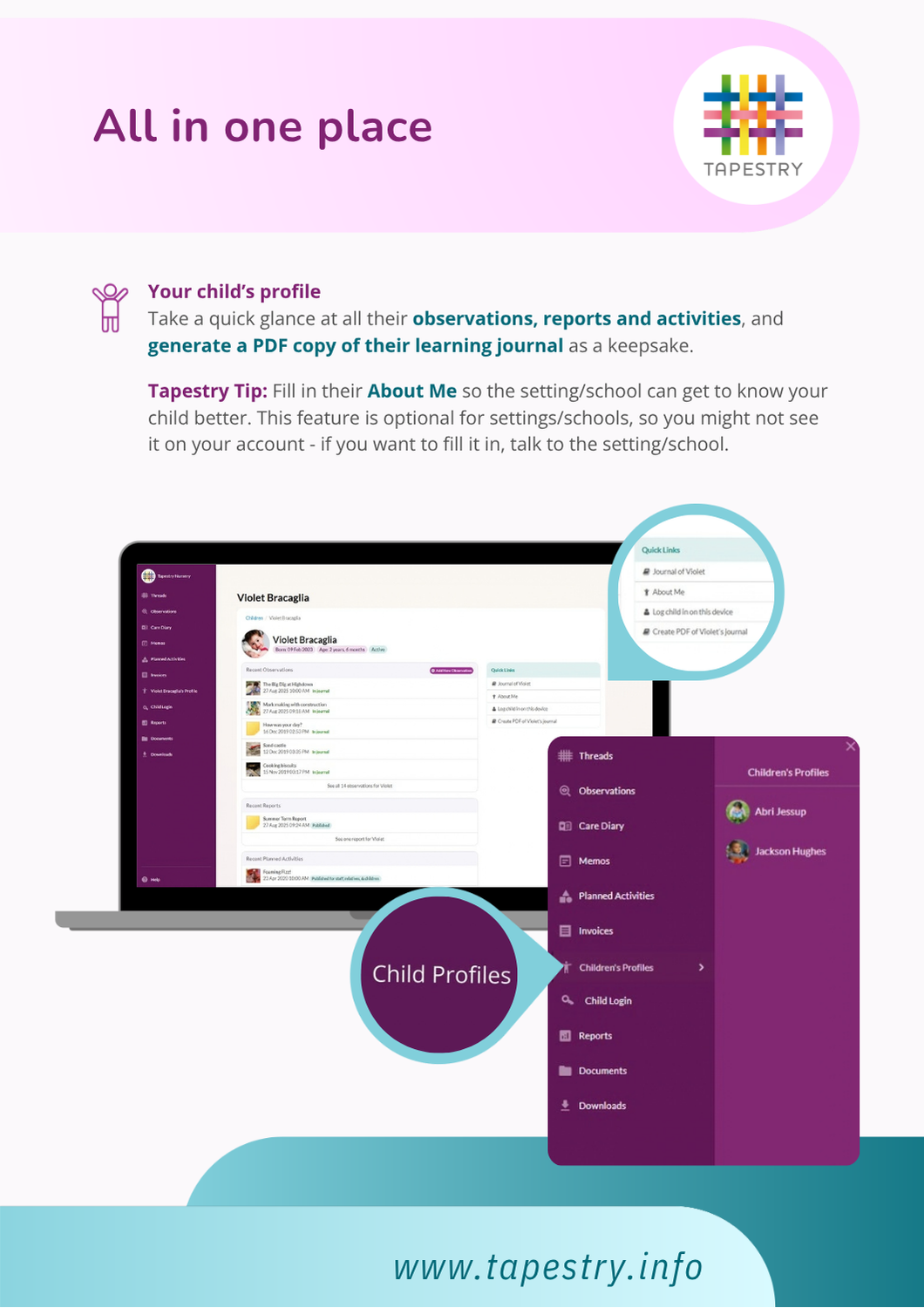
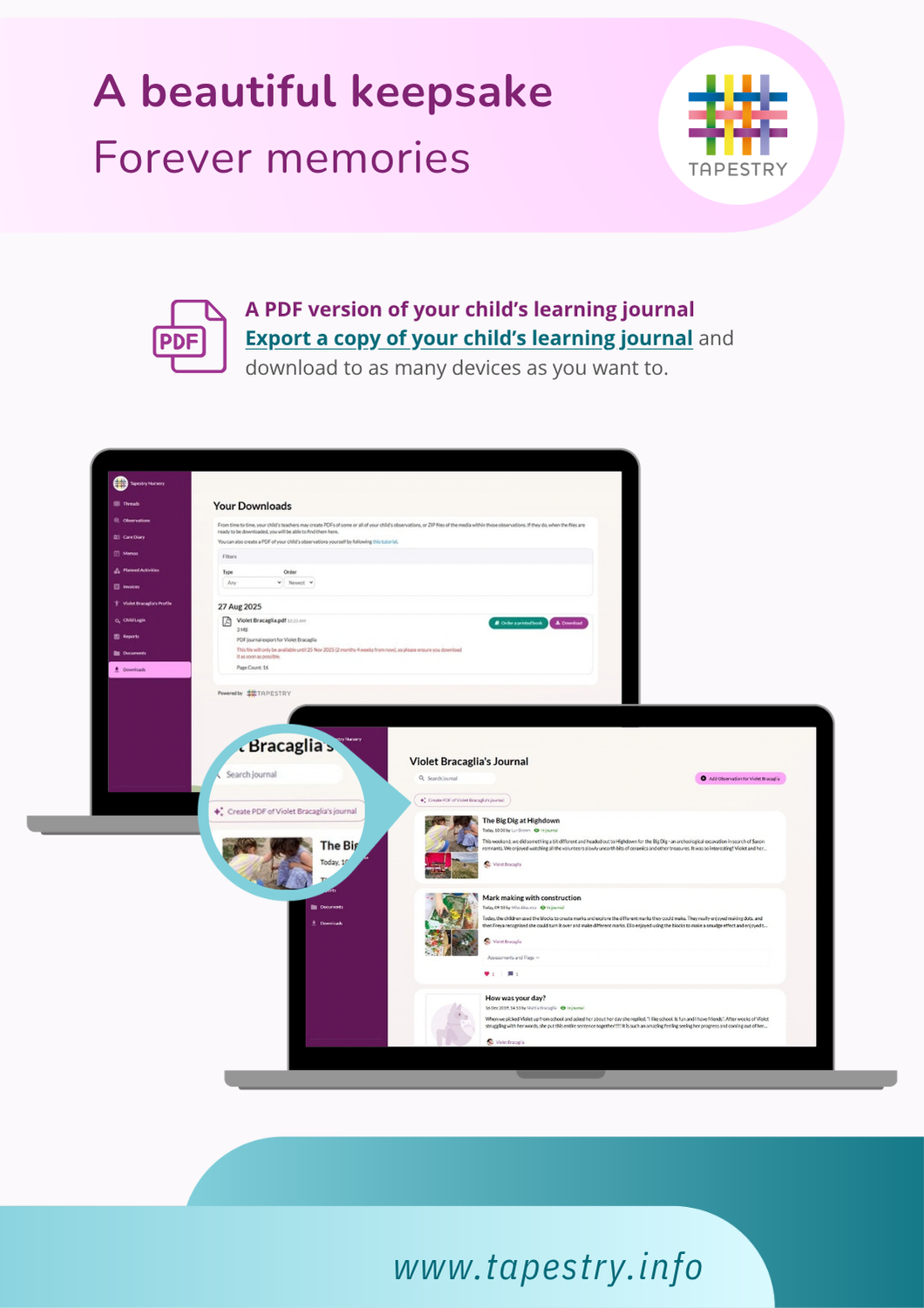
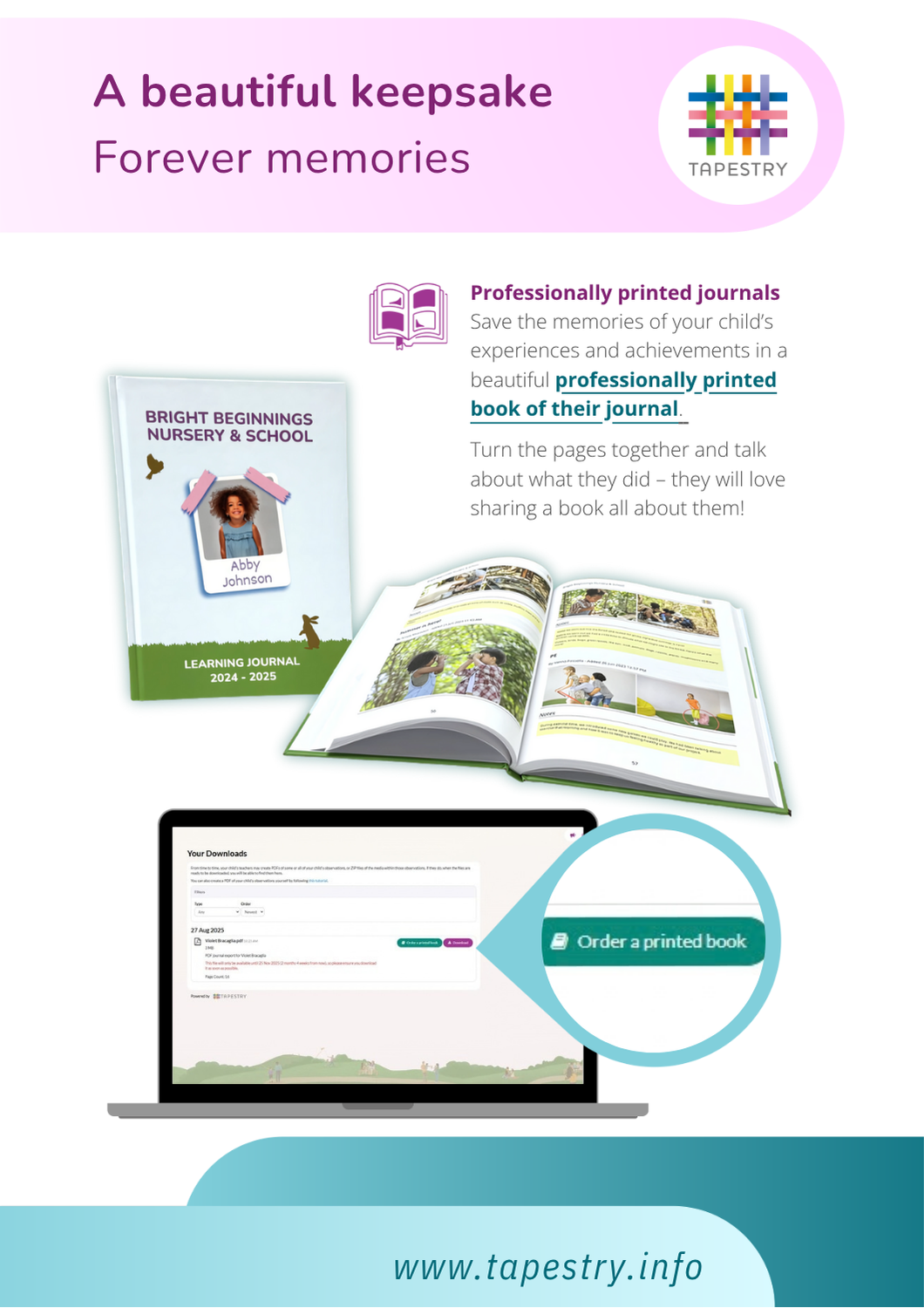
Tapestry on Desktop Guide
-
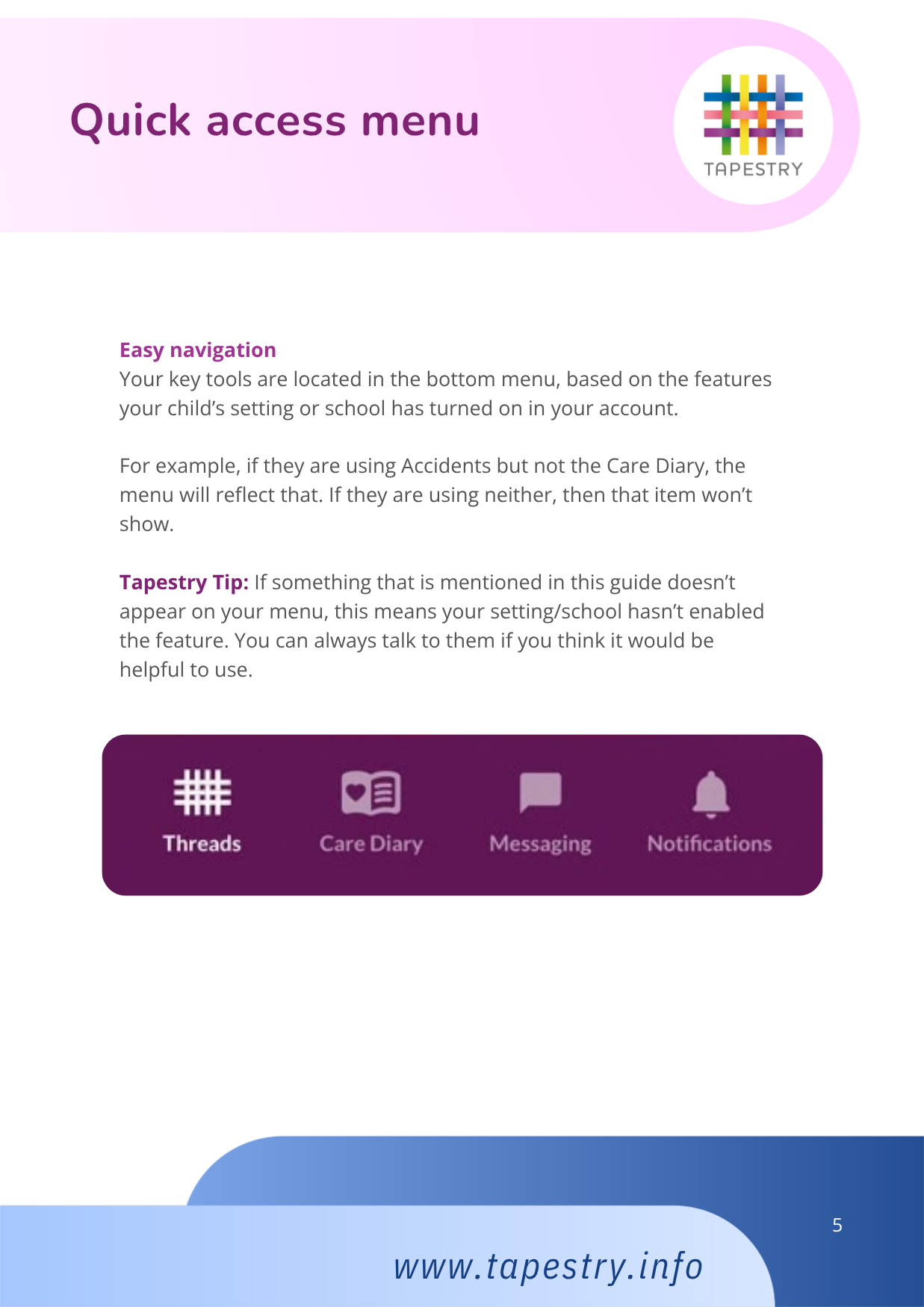
Tapestry App Guide
-
For more information visit the tapestry support website, or contact us at [email protected]